Have an App Idea? Start with a Clear Plan, Not a Complicated Build
Great app ideas often begin with a simple frustration. Maybe you want an easier way to keep track of appointments, help customers find the right information, organize a community project, or turn a useful process into something other people can use. The idea may feel exciting, but the next step can be confusing. What features should come first? What information will users need? How do you describe the project to a designer, developer, or potential collaborator?
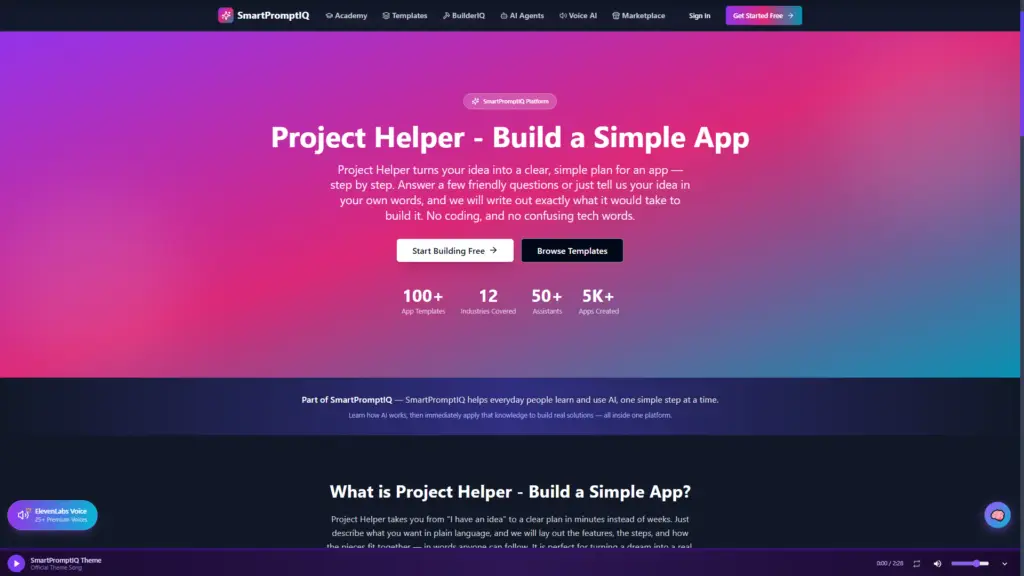
You do not need to know how to code to answer those questions. Before anyone writes software, a strong app needs a clear plan. That is where SmartPromptIQ Project Helper can help. It turns an early idea into a straightforward, step-by-step project outline using plain language. Instead of facing technical jargon or a blank page, you can explain your idea in your own words and begin shaping it into a practical build plan.
Why Most App Ideas Need a Planning Step
When people imagine building an app, they often jump straight to the finished product. They picture the screens, buttons, and features they would like to see. That vision is important, but it is only the starting point. A successful project also needs decisions about who the app is for, what problem it solves, and what should happen when someone uses it for the first time.
Without a plan, it is easy to add too much too soon. Planning separates the core idea from later extras, making the project easier to explain and complete.
Clarity is valuable whether you plan to build the app yourself, work with a developer, use a no-code platform, or simply explore whether the idea is worth pursuing. A clear outline gives everyone the same starting point. It also makes it easier to ask better questions, compare options, and move forward with confidence.
Turn an Everyday Problem into a Useful App Concept
The best app ideas usually begin with a real-world need. Perhaps a local organization struggles to coordinate volunteers. Maybe independent professionals need a simpler way to follow up with clients. A family might want one place to track shared household tasks. These are not abstract technology problems; they are everyday challenges that could be made easier with a thoughtful tool.
To shape the idea, begin with a few plain-language questions. Who will use this? What are they trying to accomplish? What gets in their way today? What would a better experience look like? Your answers do not need to be perfect. They simply give the project direction.
For example, a dog groomer might say, “I want an app that helps my customers request appointments and receive reminders.” That one sentence already identifies a user group, a business purpose, and two useful actions. From there, the plan can explore what information a customer needs to provide, how the groomer reviews requests, and which features should wait until a later version.
Project Helper is designed to guide this kind of thinking. You can answer a few friendly prompts or describe the idea as you would to another person. The goal is not to impress anyone with technical knowledge. The goal is to make the idea clear enough that you can see what it would take to bring it to life.
Focus on the First Version
One of the most useful ways to plan an app is to identify the smallest version that solves the main problem. This is often called a minimum viable product, but the phrase simply means: start with the essentials. It is the version that lets a real person complete the most important task without unnecessary complexity.
If you are building an app to help a club manage events, the first version may only need event details, a sign-up form, and an organizer view of attendees. It probably does not need social sharing, advanced reports, member messaging, and custom badges on day one. Those additions may be useful later, but they should not delay the main purpose of the app.
Starting small does not make an idea less valuable; it makes it easier to test. Show the plan to potential users, learn which features matter most, and improve in stages based on real feedback.
Describe Features in Human Language
Planning an app does not require technical vocabulary. Simple descriptions are often better. Instead of saying, “I need a user authentication flow,” say, “People should be able to create an account and sign in safely.” Explain that the app should remember a customer’s name, request, and preferred contact method.
Clear descriptions keep the focus on what a person should be able to do. Consider writing each feature as a short user action: “A visitor can browse available services.” “A member can update their contact information.” “An organizer can see who has registered.” These statements make the project easier to understand, and they become useful building blocks for a future brief.
When you use SmartPromptIQ’s Project Helper, the output is designed to help translate those everyday needs into a simple project roadmap. You do not have to guess what a developer needs to know or spend hours researching technical terminology. Instead, you can start with your goal and get a clearer picture of the pages, features, user actions, and next steps that support it.
Make Collaboration Easier
A written plan is useful because an app idea is often easier to discuss once it is visible. You may want to share it with a business partner, a community leader, a freelancer, or a family member who understands the problem you are trying to solve. A shared outline turns a general conversation into a focused one.
For example, instead of saying, “I want something like an online booking app,” explain the intended user, primary task, information to collect, and first set of screens. That detail makes feedback more useful and reduces misunderstandings about scope and priorities.
The plan can serve as a living document, not a final contract. As you learn more, you can revise it. You may discover that users care more about reminders than scheduling, or that a simple web-based tool is more appropriate than a mobile app. Updating the plan is a sign that you are learning, not that you made a mistake.
Move from “Someday” to a Next Step
Many valuable ideas remain unfinished because the path forward seems too complicated. The key is to replace the large question—“How do I build an app?”—with smaller, answerable questions. What problem am I solving? Who needs it? What is the first useful version? What information, screens, or actions are essential?
Once you have those answers, your idea becomes less intimidating. You may decide to prototype it, discuss it with users, ask for a development estimate, or explore a no-code option. Each path is easier to evaluate when the project is clearly defined.
If you have an idea that deserves more than a note on your phone, try SmartPromptIQ Project Helper. Describe what you want to create, follow the guidance, and turn your concept into an action plan. You do not need coding experience to begin; you only need an idea.