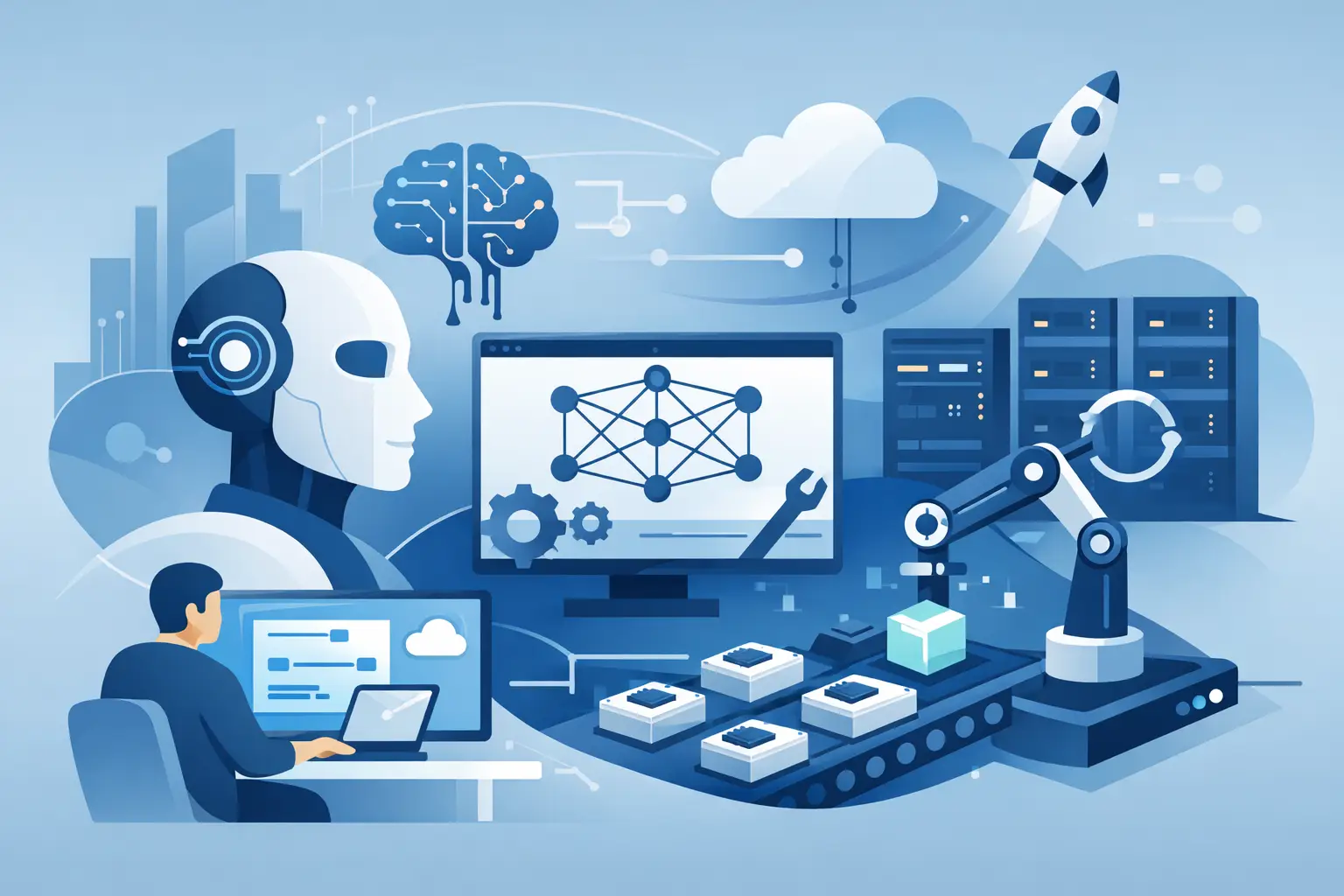
How to Design Production Ready AI Systems
A lot of AI projects fail in the same predictable way. The demo works, the team gets excited, and then reality shows up – edge cases, bad outputs, rising costs, unclear ownership, no monitoring, and users who expect far more than the system can reliably deliver. That is why learning to design production ready AI systems matters. It is not about making a chatbot answer one clever prompt. It is about building something people can actually trust, use, maintain, and improve.
For builders, founders, and operators, this shift changes everything. A production system is not just a model plus a prompt. It is a full operating setup that includes the user experience, prompt logic, fallback behavior, evaluation standards, data flow, security boundaries, and business rules. If you treat those as afterthoughts, the system becomes fragile fast.
What production ready actually means
When teams say they want AI in production, they often mean they want it live. That is not the same thing as ready. A live AI feature can still be unstable, expensive, hard to debug, and risky to scale.
To design production ready AI systems, you need to think beyond generation quality. A system is production ready when it can handle repeated real-world use with acceptable reliability, cost, speed, and oversight. It should work for normal cases, fail safely on abnormal cases, and give the team enough visibility to improve it over time.
That definition sounds simple, but the trade-offs are real. Higher accuracy may increase latency. More guardrails may reduce flexibility. Richer context may improve outputs while also raising token costs. Good system design is not about chasing perfect performance on every metric. It is about choosing the right balance for the job.
Start with the job, not the model
The fastest way to waste time in AI is to begin with tooling instead of the actual business task. Before you pick a model, agent framework, or vector database, define what the system must do in plain language.
What decision is it helping someone make? What work is it reducing? What does a successful output look like? What level of error is acceptable? Those questions shape everything that follows.
A customer support assistant, for example, needs consistency, policy alignment, and fast response times. A research copilot may tolerate more latency in exchange for richer reasoning. A lead qualification agent needs clean structured outputs that can trigger workflows downstream. These are different systems, even if they all use language models.
This is where many teams get stuck. They build general-purpose AI when what they need is task-specific AI. Narrowing scope early usually improves quality, lowers costs, and makes testing possible.
The core layers behind production ready AI systems
If you want to design production ready AI systems, think in layers. This helps you avoid the common mistake of putting every requirement into one giant prompt.
The interface layer
This is where users interact with the system through chat, forms, voice, APIs, or embedded workflows. The interface should guide users toward useful inputs, not expect them to write perfect prompts. Good UX is part of model performance because vague input creates vague output.
The orchestration layer
This is the logic that decides what happens before and after the model runs. It can include prompt assembly, tool calling, retrieval, routing, memory rules, validation, retries, and fallback paths. In many real systems, orchestration matters more than the model choice.
The intelligence layer
This includes the models, prompts, structured instructions, and any retrieval or tool integrations that support reasoning and output generation. This is where teams spend most of their attention, but it should not operate alone.
The control layer
These are the safeguards that keep the system usable and accountable. Think permission rules, moderation, confidence checks, output constraints, human review triggers, and audit logs. If the system can take action or generate sensitive content, this layer is essential.
The feedback layer
Without feedback, you are guessing. Production systems need logs, ratings, error tracking, test cases, and performance reviews tied to actual use. You need to know what fails, where it fails, and whether the problem is the prompt, the retrieval, the workflow, or the expectation itself.
Prompt design is system design
Prompting is often treated like a copywriting task. In production, it is closer to writing operational logic. A good prompt does not just ask for a result. It defines role, scope, constraints, output format, decision criteria, and failure behavior.
That said, prompts alone cannot carry the full system. If your prompt has to explain company policy, formatting logic, exception handling, security rules, and workflow routing all at once, your architecture is doing too little. Prompts should handle model behavior, while the surrounding system handles enforcement and process.
This is one reason structured builders move faster than teams relying on trial and error. When you combine education with implementation, you stop treating prompts like isolated tricks and start using them as part of a repeatable system.
Design for failure before you design for scale
Most AI builders think about scale too early and failure too late. The first priority is not handling a million users. It is handling the moment the model is wrong, uncertain, off-topic, or incomplete.
What should happen if retrieval returns weak context? What if the user asks for restricted content? What if the model produces an answer that looks polished but is factually thin? What if a downstream tool call fails?
Production readiness means planning these branches upfront. Sometimes the right answer is to ask a clarifying question. Sometimes it is to refuse. Sometimes it is to return a partial answer with clear uncertainty. Sometimes it is to hand the task to a human.
This is where trust gets built. Users do not expect perfection. They do expect sane behavior when things go wrong.
Evaluation is where serious teams separate themselves
You cannot improve what you do not measure. If you design production ready AI systems without evaluation, you are relying on vibes and isolated anecdotes.
Useful evaluation starts with a test set based on real tasks, not made-up examples that are too easy. You want examples that reflect user language, messy inputs, ambiguous requests, and business-specific cases. Then define what good looks like. That might include factual accuracy, formatting compliance, policy adherence, completion rate, latency, or cost per task.
There is no single perfect score for AI quality. Some use cases need binary pass-fail checks. Others need human review with rubrics. Many need both. The key is consistency. You need a baseline before you change prompts, models, tools, or workflows.
Teams that move fastest are not the ones making random updates. They are the ones running controlled improvements against defined criteria.
Cost, latency, and quality move together
One of the biggest misconceptions in AI product building is that better systems simply require better models. In practice, quality depends on the full design. A smaller model with cleaner inputs, strong retrieval, and output validation can outperform a larger model used carelessly.
The trade-offs matter. More context can improve relevance while slowing responses and increasing spend. Multi-step agent loops may solve harder tasks while introducing more failure points. Heavy guardrails can reduce bad outputs while frustrating advanced users.
There is no universal best setup. The right design depends on usage volume, user expectations, margins, and the consequences of failure. A public-facing assistant for healthcare or finance needs a different risk posture than an internal creative ideation tool.
Why builders need a system, not scattered tools
Many people trying to launch AI products lose momentum because they are stitching together disconnected tutorials, prompt snippets, agents, and no-code automations with no shared design standard. That usually creates confusion, not leverage.
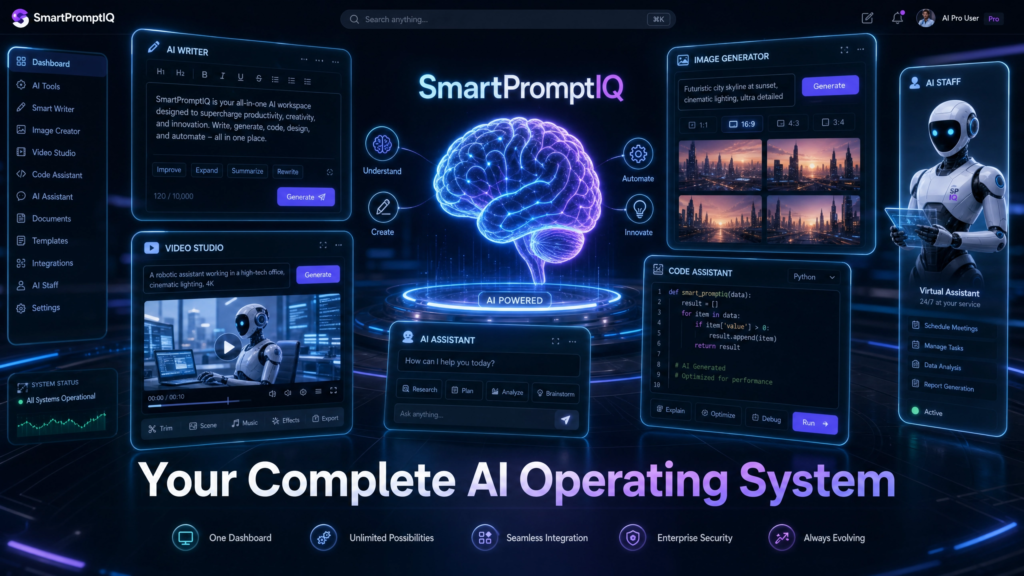
A better path is to learn the principles and build with frameworks that turn ideas into blueprints, workflows, and deployment plans. That is where platforms like SmartPromptIQ fit naturally. The value is not just learning prompts. It is learning how prompts connect to architecture, product logic, business goals, and execution.
That matters because production readiness is not one decision. It is a chain of decisions made well.
How to think when you design production ready AI systems
The best builders ask practical questions early. What inputs can we trust? What should be deterministic versus model-driven? Where do we need human approval? What logs will help us debug failure? What will this cost at 100 users versus 10,000? What should happen when the model is not confident?
Those questions force clarity. They also keep you from shipping something impressive in a demo but brittle in the field.
If you want real momentum, stop judging your AI system by how clever it sounds in one conversation. Judge it by whether it performs consistently, survives bad inputs, supports the business process around it, and gets better with use. That is how real products are built, and it is where the biggest advantage still lives for builders willing to do the work.