How a Voice AI Workflow Builder Speeds Launch
The fastest way to kill a promising voice product is to treat it like a single prompt with a microphone attached. Real voice systems have to manage turn-taking, interruptions, retries, routing, memory, fallback logic, and outcomes that actually matter to a business. That is why a voice ai workflow builder has become such a practical tool for builders who want to move from demo to deployment.
If you are building for customer support, lead qualification, internal ops, coaching, scheduling, or accessibility, the challenge is rarely “Can AI talk?” The challenge is “Can this system handle real conversations without falling apart?” A workflow builder gives structure to that problem. Instead of improvising your architecture every time, you design the logic that powers each exchange.
What a voice ai workflow builder actually does
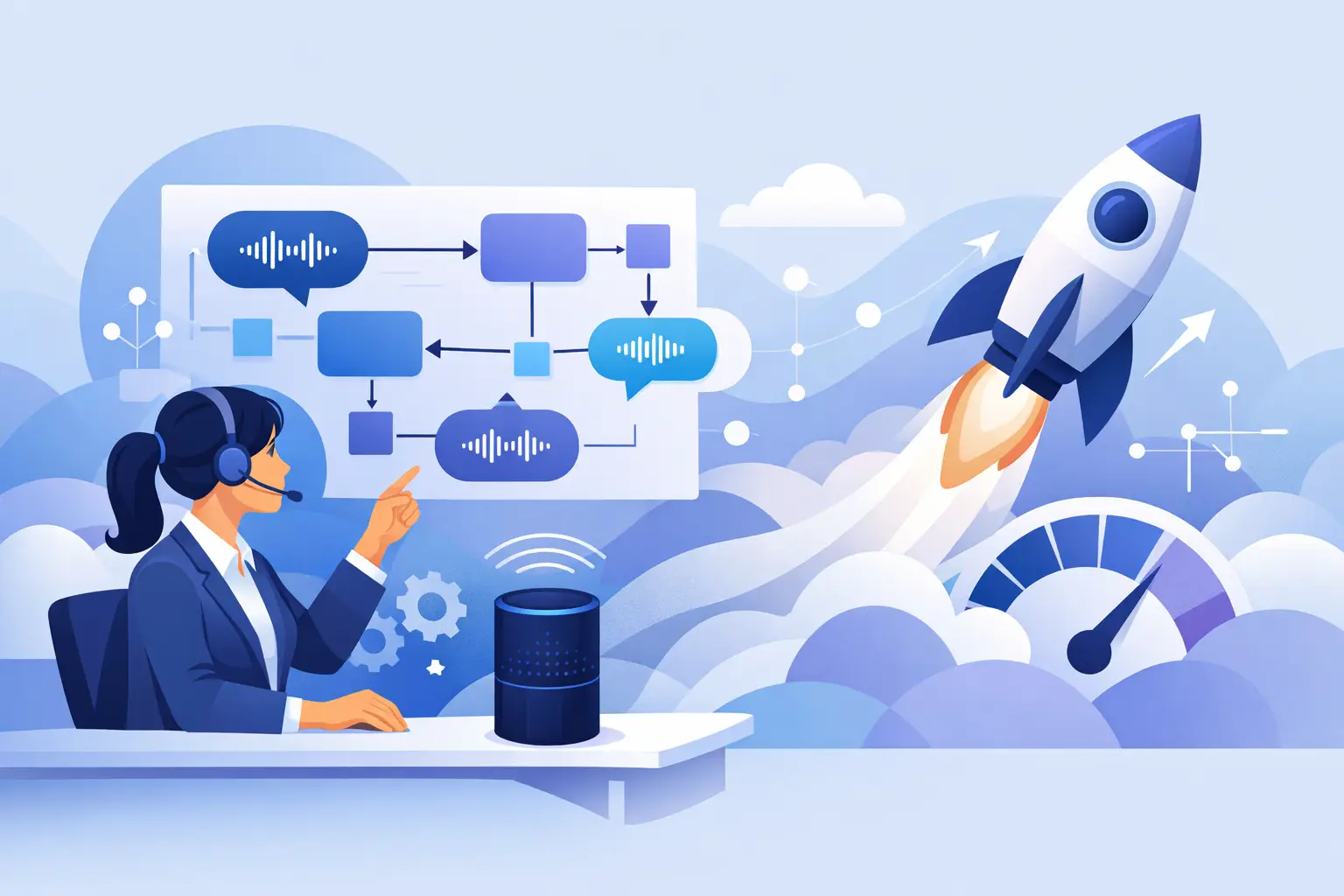
A voice ai workflow builder is the layer that turns voice interaction into a system. It connects speech input, language model reasoning, decision rules, tool use, memory, and output actions into a repeatable flow. That flow can be simple, like collecting contact details and booking a call, or far more advanced, like triaging support issues across multiple intents and backend systems.
This matters because voice is less forgiving than chat. In text, users can scan, reread, and self-correct. In voice, every delay feels longer, every unclear answer feels more awkward, and every failed branch creates friction fast. A builder helps you map how the system should respond when the conversation goes off-script, not just when everything goes right.
The best setups do not start with flashy voice features. They start with operational clarity. What is the job of the agent? What inputs does it need? What tools can it call? When should it escalate to a human? What should happen if the user is unclear, emotional, or in a noisy environment? A workflow builder gives you a framework for answering those questions before they become support tickets.
Why builders are moving beyond prompt-only voice apps
Prompting still matters. It shapes tone, behavior, constraints, and reasoning quality. But prompt-only voice apps usually hit a wall once the use case becomes even slightly complex. You can write a strong system prompt and still end up with inconsistent handoffs, weak state management, and vague error handling.
That is where workflow design changes the game. You are no longer asking the model to magically infer the entire business process. You are defining stages, decisions, tool calls, and expected outputs. The result is more control without giving up AI flexibility.
For ambitious teams, this is the difference between an interesting experiment and a deployable product. A founder building a voice lead intake agent needs more than a conversational prompt. They need logic for qualifying the lead, capturing structured data, triggering follow-up actions, and handling edge cases without confusing the user. An operator building internal voice automation needs the same discipline. Speed matters, but reliability matters more.
The core parts of a strong voice AI workflow builder
A useful voice ai workflow builder should let you design conversations as systems, not scripts. That starts with intent handling. The platform needs a way to identify what the user is trying to do and route the conversation accordingly.
It also needs state awareness. Voice conversations are messy. Users interrupt themselves, change direction, forget details, and answer the wrong question. A strong builder tracks context across turns so the system can recover instead of restarting.
Tool orchestration is another major piece. If the voice agent needs to check availability, create a ticket, pull CRM data, verify an order, or trigger a handoff, the workflow layer should define when and how those actions happen. This is where many voice demos break. They sound impressive for thirty seconds, then fail the moment the AI needs to do real work.
Fallback logic matters just as much as the happy path. What happens if speech recognition is weak? What if the user gives an ambiguous answer? What if the system cannot complete the task? Good workflow builders treat recovery as part of the design, not an afterthought.
Finally, there is testing. Voice systems need structured evaluation because conversational quality is subjective until it becomes measurable. You want to test latency, completion rate, tool success, handoff rate, and failure patterns by scenario. If your builder cannot support iteration, you are guessing.
Where voice workflow builders create the most value
The clearest value shows up when the conversation has a defined business outcome. Voice works best when users want speed, convenience, or hands-free interaction. That is why voice workflow systems are gaining traction in intake, support, qualification, scheduling, training, and guided task completion.
For entrepreneurs, voice can create a sharper product experience in crowded categories. A smart intake flow feels more immediate than a form. A voice-based onboarding assistant can reduce drop-off when users would otherwise face too many setup steps. A coaching or education workflow can feel more human and more accessible, especially for users who think better out loud than on a keyboard.
For teams, voice also expands usability. Multitaskers, field operators, and visually impaired users often benefit from systems that do not depend on screens. That makes workflow quality even more important. Accessibility is not just about adding audio. It is about designing interactions that are clear, resilient, and useful under real conditions.
Common mistakes that slow down voice product launches
One of the biggest mistakes is building the conversation before defining the outcome. Teams spend days polishing tone and phrasing, then realize they never mapped the decision logic behind the experience. Voice that sounds good but cannot complete the job will not hold up in production.
Another mistake is overdesigning the happy path. In real use, people mumble, pause, ask side questions, and skip context. Your workflow has to absorb that. If every branch assumes clean inputs and ideal behavior, your system will feel brittle almost immediately.
Some teams also underestimate integration planning. A voice agent that cannot access the right tools is basically a receptionist without a desk. If the workflow depends on external systems, those connections should be part of the architecture from day one, not bolted on after the prototype works.
Then there is latency. Voice users notice delays more than chat users do. You can have excellent reasoning and still create a poor experience if the system takes too long to respond. In practice, this means you have to balance intelligence with speed. Sometimes the best workflow is not the most complex one. It is the one that gets the user to the right outcome quickly and clearly.
How to choose the right builder for your use case
The right platform depends on what you are actually trying to ship. If you are validating an idea fast, prioritize ease of prototyping, reusable templates, and simple testing. If you are building for operations or customer-facing deployments, prioritize state handling, integrations, observability, and control over escalation paths.
It also depends on who is building. Non-technical founders often need visual systems that reduce architecture guesswork. Technical teams may want deeper control over prompts, tool calls, conditions, and deployment layers. Neither approach is better by default. The better option is the one that shortens the path from idea to reliable execution.
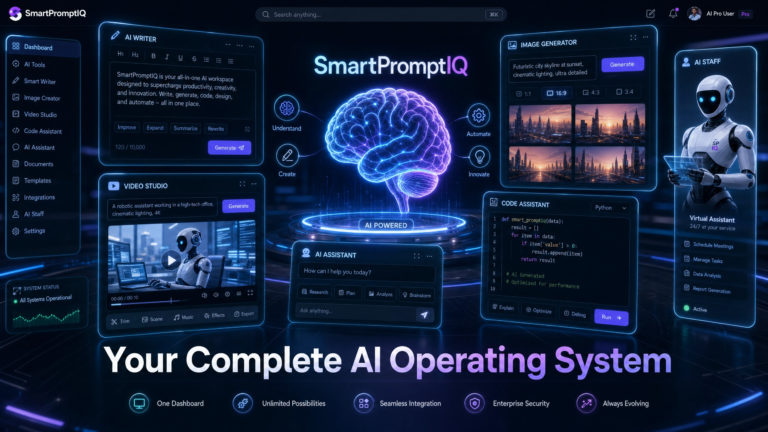
This is where an education-plus-execution model becomes powerful. Learning prompt engineering in isolation helps, but it does not automatically teach system design. Builders need to understand how prompts, workflows, tools, and user experience fit together. Platforms like SmartPromptIQ stand out when they help users not only learn the concepts but also turn them into production-ready blueprints and voice systems.
The bigger shift: voice as an interface for action
Voice AI is moving past novelty. The real opportunity is not talking to AI for the sake of it. The opportunity is using voice to complete meaningful tasks with less friction. That shift changes what builders should focus on.
The question is no longer whether a model can hold a conversation. The question is whether your system can move a user from intent to result with enough speed, clarity, and reliability to earn repeat use. A voice ai workflow builder is valuable because it forces that level of thinking.
When builders get this right, voice stops being a feature demo and starts becoming infrastructure. It becomes a way to capture leads, guide decisions, reduce manual work, support accessibility, and create product experiences that feel faster because they are faster.
The strongest builders will not be the ones who add voice everywhere. They will be the ones who know exactly where voice improves the workflow, then design the system to deliver on that promise.