Unlocking Potential with SmartPromptIQ Pro’s Agent Builder
In the rapidly evolving world of artificial intelligence, having the right tools at your disposal can pave the way for innovation and efficiency. Among these tools, SmartPromptIQ Pro stands out as a comprehensive AI prompt engineering platform designed specifically for creators, marketers, and small business owners. At the heart of SmartPromptIQ Pro is its powerful Agent Builder, a feature that transforms the way you interact with AI by enabling you to create custom agents tailored to your unique needs.

What is the Agent Builder?

The Agent Builder within SmartPromptIQ Pro is a user-friendly interface that allows you to design and deploy AI agents without requiring extensive programming skills. These agents can handle a variety of tasks, making them invaluable for anyone looking to leverage AI for productivity, engagement, or customer service. Whether you’re a content creator seeking to automate brainstorming sessions or a small business owner aiming to enhance customer interaction, the Agent Builder provides a versatile solution.

Key Features of the Agent Builder
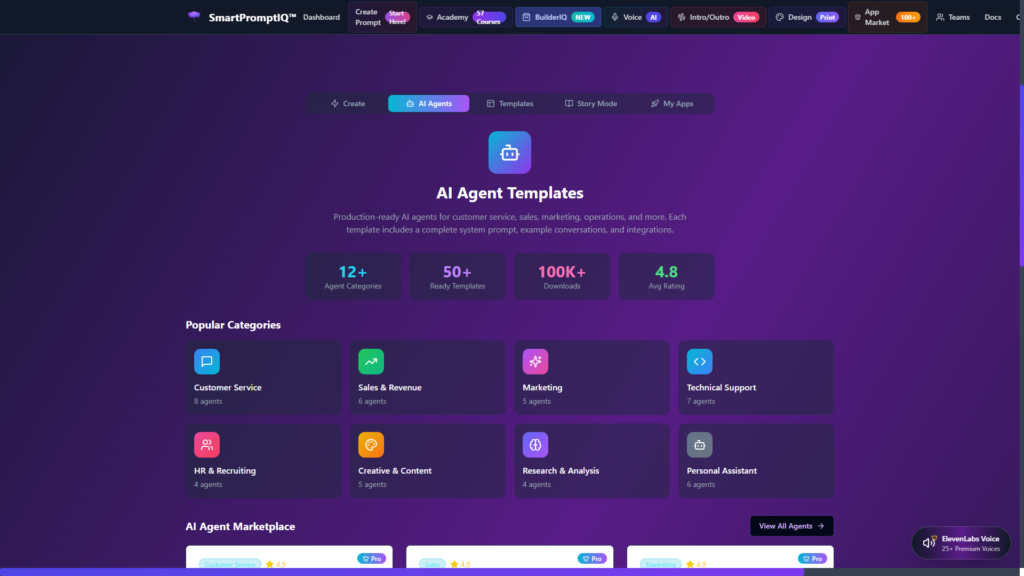
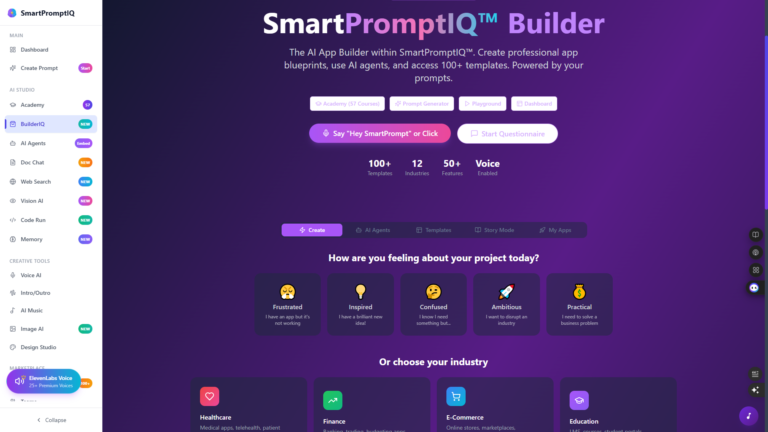
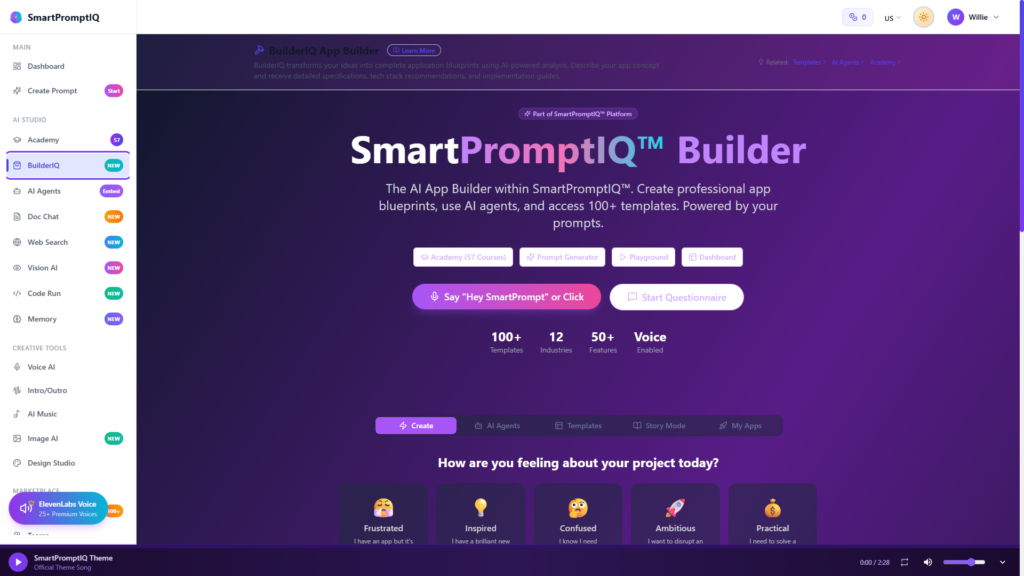
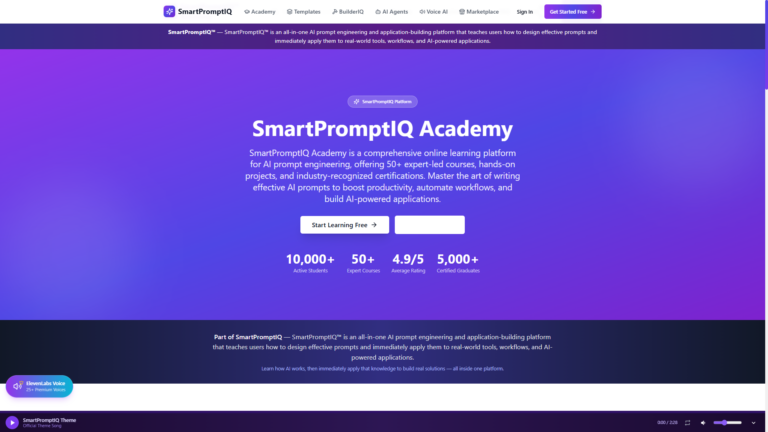
SmartPromptIQ builder dashboard showing AI prompt creation tools, workflow panels, and app-building features
The SmartPromptIQ Builder Dashboard lets users create, manage, and deploy AI prompts and tools from one powerful interface.

1. Customization: The Agent Builder allows for deep customization of AI agents. You can define the agent’s personality, tone, and functional capabilities to ensure it aligns with your brand voice and objectives.

2. Ease of Use: Designed with non-technical users in mind, the Agent Builder features a drag-and-drop interface. This means you can create complex interactions without writing a single line of code, making it accessible even for those who may not have a tech background.

3. Integration with SmartPromptIQ Tools: Agents built using the Agent Builder seamlessly integrate with other tools within SmartPromptIQ Pro. This allows for a fluid workflow where your agents can generate prompts, analyze data, and provide insights based on real-time input.

4. Collaboration Features: The Agent Builder supports team collaboration, enabling multiple users to work together on an agent project. This is particularly beneficial for small businesses that may have team members specializing in different areas.

5. Training and Monitoring: Once your agent is deployed, you can
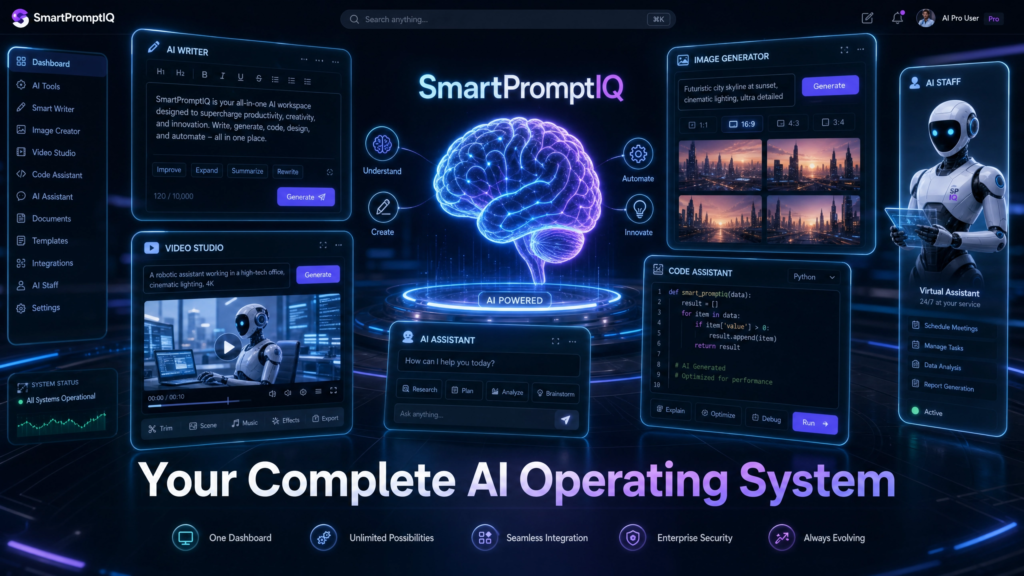
monitor its performance and training data through the SmartPromptIQ Pro dashboard. This allows you to tweak the agent’s capabilities based on user interactions and feedback, ensuring continuous improvement.

Use Cases for the Agent Builder

The flexibility of the Agent Builder allows for a myriad of applications across various fields. Here are some practical use cases:

Content Creation

For content creators, the Agent Builder can be used to develop an AI assistant that generates ideas, drafts articles, or even assists in social media management. By inputting specific criteria related to the target audience and desired outcomes, content creators can produce higher-quality work in less time.

Marketing Automation

Marketers can leverage agents built through the Agent Builder to automate campaigns, analyze customer data, and optimize engagement strategies. Whether it’s sending personalized emails or managing social media interactions, a well-crafted agent can greatly enhance marketing efficiency.

Customer Service Enhancement

Small businesses can deploy customer service agents that respond to common inquiries, manage bookings, or provide product recommendations. This can significantly reduce response times and improve customer satisfaction, all without the need for extensive staffing.

Educational Assistance https://smartpromptiq.com/academy/courses

Educators and trainers can create AI tutors that assist students with specific subjects. By customizing the agent to reflect specific teaching styles or curriculum goals, instructors can provide tailored support to learners.

Getting Started with the Agent Builder

Embarking on your journey with SmartPromptIQ Pro’s Agent Builder is straightforward. First, sign up for a subscription at only $9.99 per month. Once you gain access, you can explore the extensive library of templates and resources available through the 57-Course Academy. These resources are designed to help you maximize the utility of the Agent Builder and other SmartPromptIQ tools.

Begin by outlining the specific tasks you want your agent to perform. Use the drag-and-drop interface to bring your ideas to life, and don’t hesitate to iterate based on feedback. With the ability to monitor performance and make adjustments, you can continuously refine your agent to better serve your needs.

Conclusion

The Agent Builder within SmartPromptIQ Pro is an innovative feature that empowers users to create custom AI agents tailored to their specific needs, all at an affordable price. With its intuitive design and powerful capabilities, SmartPromptIQ Pro positions itself as a vital resource for AI enthusiasts, creators, and small businesses looking to harness the power of artificial intelligence without the complexities and costs often associated with enterprise solutions.

If you’re ready to transform your workflows and enhance productivity, visit [SmartPromptIQ Pro] (https://smartpromptiq.com) today and discover the possibilities of AI agents tailored to your unique requirements. Embrace the future of work with SmartPromptIQ Pro and unlock your potential.

Similar Posts

  • How Real Estate Investors Use AI Prompts and Workflows in 2026

    Real estate investing has always been a game of speed and data. The investor who can underwrite a property the fastest, contact the seller the quickest, and structure the best financing usually wins the deal. For decades, this required massive teams of analysts and acquisition managers. Today, the landscape has changed. Solo investors and small…

  • Why Scam Detection Must Be Built Into Your Browser — And Why SmartPromptIQ’s Chrome Extension Is Leading the Future of Online Safety

    The internet has become the primary place where people work, shop, communicate, and manage their financial lives. But as digital convenience grows, so does digital risk. Online scams, phishing attacks, fake pop‑ups, and deceptive websites are increasing at a rate most users can’t keep up with. According to the FBI’s Internet Crime Report, online fraud…

  • AI Prompt Engineering Revolution

    How Businesses Are Transforming Operations in 2025 The artificial intelligence prompt engineering market has exploded to an unprecedented $505.18 billion in 2025, fundamentally reshaping how businesses operate, compete, and innovate across every industry sector. The Explosive Growth of AI Prompt Engineering The business landscape has witnessed a seismic shift as artificial intelligence prompt engineering emerges as…

  • OpenAI Prompting vs. Smart Prompt IQ The Future of AI Workflows

    Prompt Engineering Tools AI Workflows By SmartPromptIQ Team  |  July 2025  |  1,600 Words  |  7 min read The rapid evolution of artificial intelligence has fundamentally changed how businesses operate. From content creation to complex data analysis, AI is no longer a futuristic concept but a daily reality. However, the true power of AI is…

  • The Rise of No-Code AI: How to Build Custom Workflows with BuilderIQ (No Coding Required)

    Introduction: The Democratization of  Artificial Intelligence For decades, the power to create software was gatekept by a select group of people: software engineers. If you had a brilliant idea for a digital tool, you either had to spend years learning Python or C++, or you had to spend tens of thousands of dollars hiring a development team. The artificial intelligence boom initially looked like it would follow the exact same path. However, a massive shift is occurring in the tech landscape: the convergence of AI and the “no-code” movement. According to a recent projection by Gartner, low-code and no-code development will account for over 65% of all application development functions by the end of 2024. We are entering an era where your ability to build powerful, automated AI tools is limited only by your imagination, not your coding ability. Enter the era of the custom AI builder. In this comprehensive guide, we will explore why generic AI chatbots are no longer enough, and how platforms like BuilderIQ are empowering non-technical founders, marketers, and operators to build their own bespoke AI applications. The Problem with “Out-of-the-Box” AI Chatbots When ChatGPT first launched, it was a revelation. But as businesses have integrated AI into their daily operations, the limitations of “blank canvas” chatbots have become glaringly obvious. 1. The “Blank Page” ParalysisEvery time you open a generic AI interface, you start from scratch. You have to re-explain your brand voice, your target audience, and the specific formatting you require. This repetitive setup leads to a phenomenon known as “prompt fatigue.” 2. Inconsistent OutputsIf three different employees ask a public AI model to write a customer service response, you will get three wildly different tones. This inconsistency dilutes brand identity and creates quality control nightmares for management. 3. Data Silos and Disconnected WorkflowsGeneric AI doesn’t naturally speak to the rest of your tech stack. It sits in a silo. You copy data from an email, paste it into the AI, copy the output, and paste it into a Google Doc. This manual friction defeats the purpose of automation. Enter BuilderIQ: Your Personal AI Architect To solve these problems, businesses are moving away from prompting generic models and moving toward building custom AI agents. This is exactly what BuilderIQ is designed to do. BuilderIQ is a no-code environment that allows you to pre-package complex prompt engineering, context framing, and brand constraints into a single, repeatable tool. Think of it as creating a custom app that lives on top of the world’s smartest language models. How to Build Your First AI Tool in  BuilderIQ (Step-by-Step) You don’t need an engineering degree to build an AI tool. Here is a look at the typical workflow a non-technical professional uses within BuilderIQ. Step 1: Define the Core FunctionBefore touching the software, identify a repetitive, high-friction task in your business. For this example, let’s say you run an e-commerce store and you spend 10 hours a week writing SEO-optimized product descriptions. Step 2: Establish the “System Context”Inside BuilderIQ, you begin by setting the foundational knowledge of the AI. Instead of typing this every time, you hardcode it into the builder. You can define your brand archetype, paste your style guide, and tell the AI exactly who your target demographic is. Step 3: Define the Input FieldsInstead of a scary, open-ended chatbox, BuilderIQ allows you to create specific input fields for you or your team. For our product description tool, you might create three simple fields: Step 4: Design the Output ArchitectureHere is where the magic happens. You instruct the builder on exactly how to format the final result. You can demand that it outputs a catchy H1 title, a 50-word emotional hook, a bulleted list of benefits, and a call-to-action—every single time. The Business Impact of Custom AI…

Leave a Reply

Your email address will not be published. Required fields are marked *