How Senior Centers and Libraries Can Offer AI Training Without Hiring Instructors
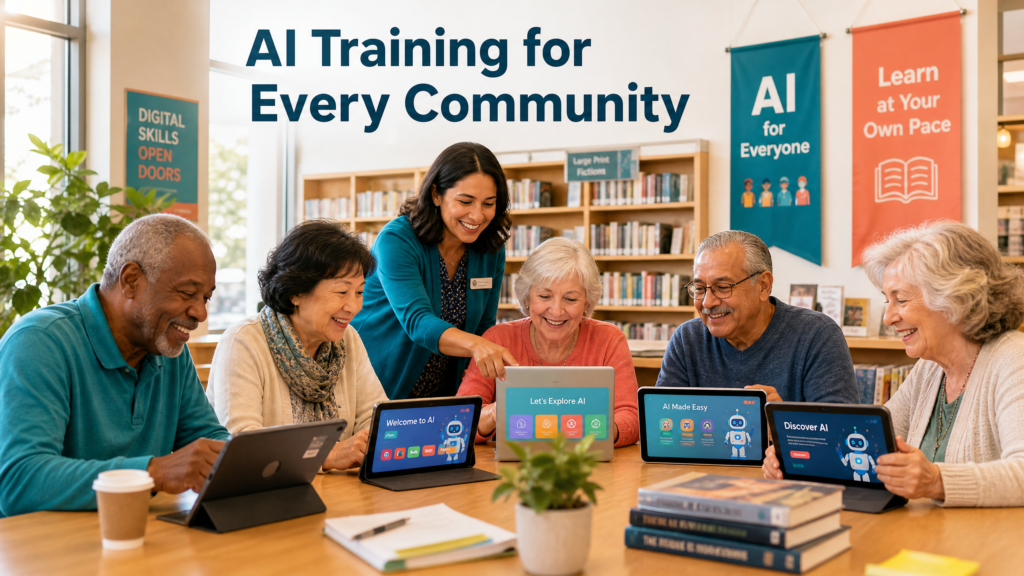
Community organizations are the frontline defenders against the digital divide, but hiring specialized AI instructors is often too expensive.
As artificial intelligence rapidly integrates into daily life, community organizations are facing a critical new mandate: digital equity. Senior centers, public libraries, and local nonprofits are the frontline defenders against the digital divide. Older adults are increasingly looking to these trusted institutions for guidance on how to safely navigate the modern internet, protect themselves from AI-generated scams, and utilize new technologies to enhance their independence.
However, community directors face a significant hurdle. The demand for AI curriculum is skyrocketing, but the budget to hire specialized tech instructors simply isn’t there. Furthermore, the technology evolves so quickly that static textbooks are outdated before they even hit the shelves.
How can a community organization provide cutting-edge AI training without exhausting its resources? The answer lies in plug-and-play AI business systems designed specifically for guided, self-paced learning.
The Growing Demand for AI Literacy in Older Adults
The assumption that older adults are entirely resistant to new technology is a myth. According to recent data from the University of Michigan, 55% of people aged 50 and older have already used voice or text-based AI technologies. As seniors realize that AI can help with everything from managing healthcare appointments to drafting emails, their appetite for structured learning is growing.
Public libraries and senior centers are feeling this pressure firsthand. A recent study published by the Association of College and Research Libraries highlights that libraries are actively seeking frameworks to define and teach core AI literacy. Patrons aren’t just asking how to use a mouse anymore; they are asking how to use ChatGPT, how to identify deepfakes, and how to use prompt engineering tools to find specific information.
“From communicating with loved ones to accessing essential services, digital literacy is essential for everyone, including older adults. It is critical for nonprofit organizations to help improve digital equity for underserved elderly communities.”
The Instructor Bottleneck: Why Traditional Classes Fail
Traditionally, when a senior center wanted to offer a computer class, they would hire a local IT professional or rely on tech-savvy volunteers. This model is breaking down in the AI era for several reasons:
- Cost: Specialized AI instructors command high hourly rates that most nonprofit budgets cannot accommodate.
- Scalability: A single instructor can only teach a small room of people at a time, leaving long waitlists for eager learners.
- Pacing: Older adults learn at vastly different speeds. A lecture format often leaves some students behind while boring others.
- Curriculum Decay: AI interfaces change monthly. A printed syllabus created in January is often irrelevant by June.
Community organizations need a solution that scales infinitely, updates automatically, and allows seniors to learn at their own pace without requiring constant supervision from a staff member.
The Solution: Plug-and-Play AI Curriculum
This is where the concept of an AI staff transforms community education. Instead of hiring a human to teach AI, organizations can use AI to teach AI.
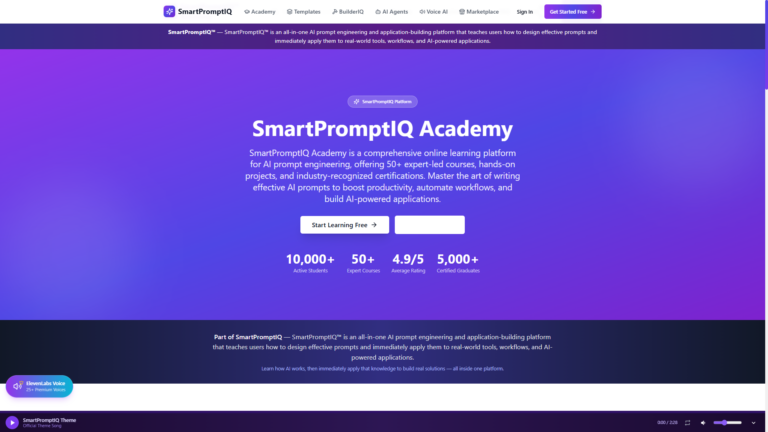
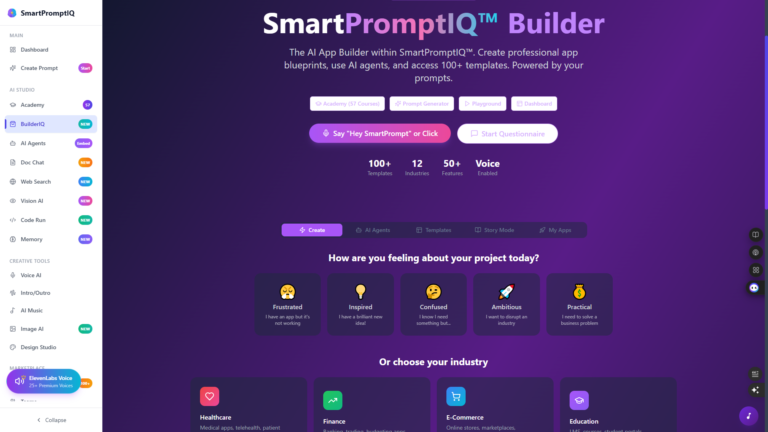
Platforms like SmartPromptIQ offer a ready-made, plug-and-play ecosystem. For a library or senior center director, this means you do not need to develop lesson plans, print worksheets, or hire experts. You simply provide the internet connection and the devices, and the platform provides the guided learning experience.
How Guided Learning Works for Seniors
A plug-and-play platform is designed with accessibility at its core. When a senior logs in at their local library, they aren’t met with a confusing wall of code. They are greeted by a friendly, conversational interface that guides them step-by-step.
- Interactive Modules: Instead of reading about how to use an AI chatbot, the senior actually talks to one in a safe, sandboxed environment.
- Self-Paced Progression: The system automatically adjusts to the user’s speed. If a senior needs to repeat a module on how to safely share information, the system patiently guides them through it again.
- Real-World Application: The curriculum focuses on practical AI workflows. Seniors learn how to use AI to find recipes, summarize long medical documents, or organize their digital photos.
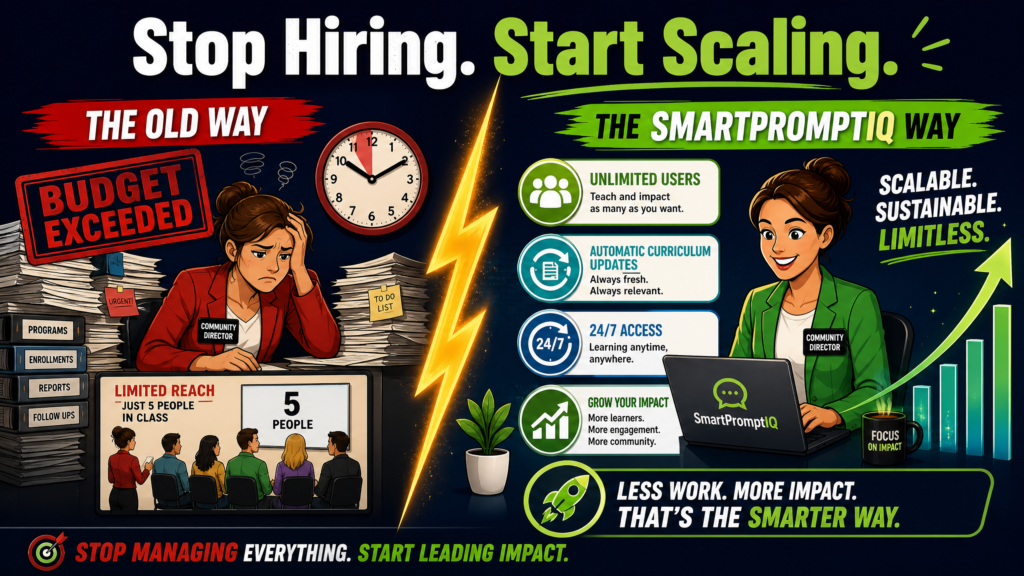
A plug-and-play AI platform eliminates the need for expensive instructors, allowing organizations to scale their impact instantly.
Leveraging Digital Equity Funding
One of the most compelling reasons for community organizations to adopt a plug-and-play AI platform is the availability of federal and state funding. Digital equity is a major priority for government agencies in 2026.
The National Digital Inclusion Alliance (NDIA) notes that digital equity funding is actively being deployed to equip community centers with the necessary technology and broaden the range of services they offer. Furthermore, programs like the Department of Labor’s Senior Community Service Employment Program (SCSEP) provide grants specifically aimed at helping low-income older adults learn the skills necessary to reenter the workforce.
By partnering with a comprehensive platform, a senior center can easily demonstrate to grant committees that they have a scalable, sustainable, and modern curriculum in place. This makes securing funding for devices and internet infrastructure significantly easier. When you show a grant board that you are utilizing AI automation for entrepreneurs to teach seniors modern job skills, your proposal stands out.
Empowering Independence Beyond the Classroom
The ultimate goal of offering AI training in community centers is not just to teach seniors how to use a specific app; it is to foster long-term independence.
When older adults understand how to leverage AI, they gain a powerful tool for navigating the complexities of modern life. They can use platforms like SmartProTradeIQ to better understand their retirement investments without needing to hire an expensive financial advisor. They can use tools like SmartDealsIQ to safely navigate online shopping and stretch their fixed incomes further.
By providing access to these tools in a safe, supportive environment like a library, we remove the fear of the unknown. Seniors learn that AI is not something to be feared, but a resource to be utilized.
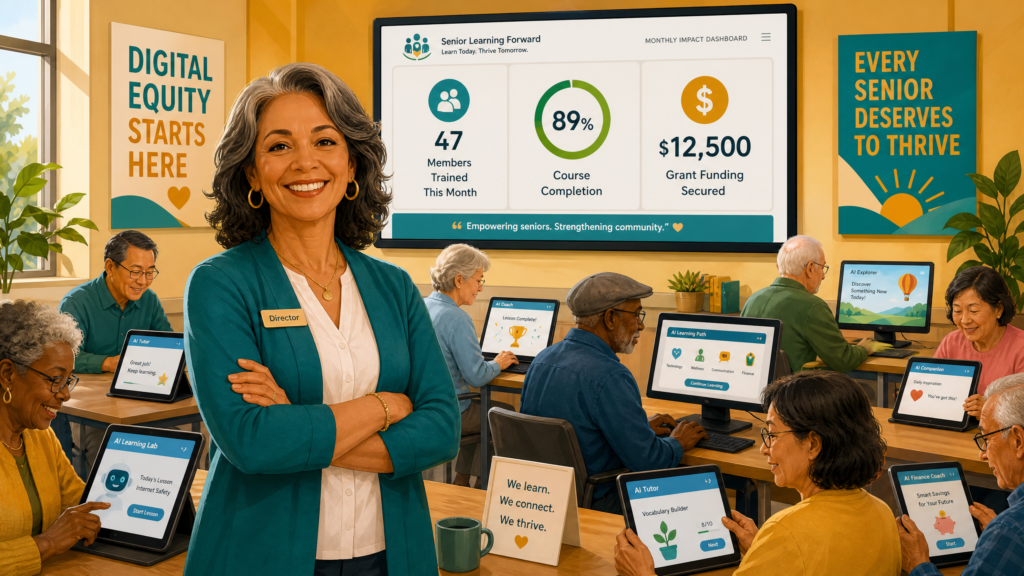
When you provide the space and the platform provides the curriculum, every senior in your community has the opportunity to thrive.
A Turnkey Partnership for Community Leaders
For directors of senior centers, libraries, and nonprofits, the mandate is clear: your community needs AI literacy. But the burden of creating that curriculum does not have to fall on your shoulders.
By adopting a plug-and-play platform, you eliminate the need for expensive instructors and constant curriculum updates. You provide your patrons with a safe, self-paced, and highly practical education that empowers them to thrive in the digital age.
You provide the space and the community. We provide the curriculum. Together, we can ensure that no older adult is left behind in the AI revolution.
🚀 Partner With Our AI Ecosystem
Discover the tools designed to empower your community.
SmartPromptIQSmartPromptIQ StaffSmartMovIQSmartPromptAgentsSmartProTradeIQSmartDealsIQ
Ready to Bring AI Education to Your Community?
Equip your library, senior center, or nonprofit with a ready-made AI curriculum that your patrons will love. No tech instructors required.
Try SmartPromptIQ AI Staff FreeDownload 50 AI Staff Workflows
References
- University of Michigan, “How Older Adults Use and Think About AI,” Jul 2025. umich.edu
- Association of College and Research Libraries, “Evaluating AI Literacy in Academic Libraries,” 2024. acrl.org
- Giving Compass, “Digital Equity and Literacy for the Elderly,” Feb 2024. givingcompass.org
- National Digital Inclusion Alliance, “Advancing Digital Equity,” 2025. digitalinclusion.org
- U.S. Department of Labor, “Senior Community Service Employment Program (SCSEP),” 2025. dol.gov