25 Prompt Engineering Tips for Beginners Using AI Tools
By SmartPromptIQ Team | June 2026

If you have ever felt frustrated because an AI chatbot gave you a generic, robotic, or completely incorrect answer, the problem was likely not the AI. The problem was the prompt.
As we explored in our Complete Guide to AI Prompt Engineering in 2026, the quality of your output is entirely dependent on the quality of your input. To get elite-level work from your digital tools, you must learn to speak their language.
This guide breaks down 25 actionable tips for beginners to instantly improve their prompting skills. Whether you are using basic chatbots or advanced prompt engineering tools to manage a full AI staff, these techniques will transform how you work.
The Fundamentals of Prompting
Before you start building complex workflows, you must master the basic principles of AI communication. These first five tips form the foundation of all good prompt engineering.
1. Assign a Specific Role
Never ask a generic AI for advice. Always assign it a persona. Instead of “Write a marketing email,” use “Act as a senior B2B SaaS copywriter with 10 years of experience. Write a marketing email…” This instantly changes the vocabulary and expertise level the AI draws from.
2. Provide Explicit Context
AI does not know your business. You must provide the background. Explain who you are, what you sell, who your target audience is, and what the current market conditions are before asking for a deliverable.
3. Define the Desired Format
Do not let the AI choose how to present the information. If you want a table, ask for a table. If you want a bulleted list, specify that. If you need HTML code, tell it to output raw HTML. Controlling the format saves you hours of editing.
4. Set Negative Constraints
Telling an AI what not to do is often more important than telling it what to do. For example, “Do not use the words ‘synergy’, ‘revolutionary’, or ‘unlock’.” This prevents the AI from relying on its default, cliché vocabulary.
5. Use the “Do You Understand?” Checkpoint
For complex tasks, do not give the instructions and ask for the final output in the same prompt. Give the instructions, provide the context, and end with: “Do you understand these instructions? If yes, reply ‘I understand’ and wait for me to provide the data.”
Structuring Complex Requests
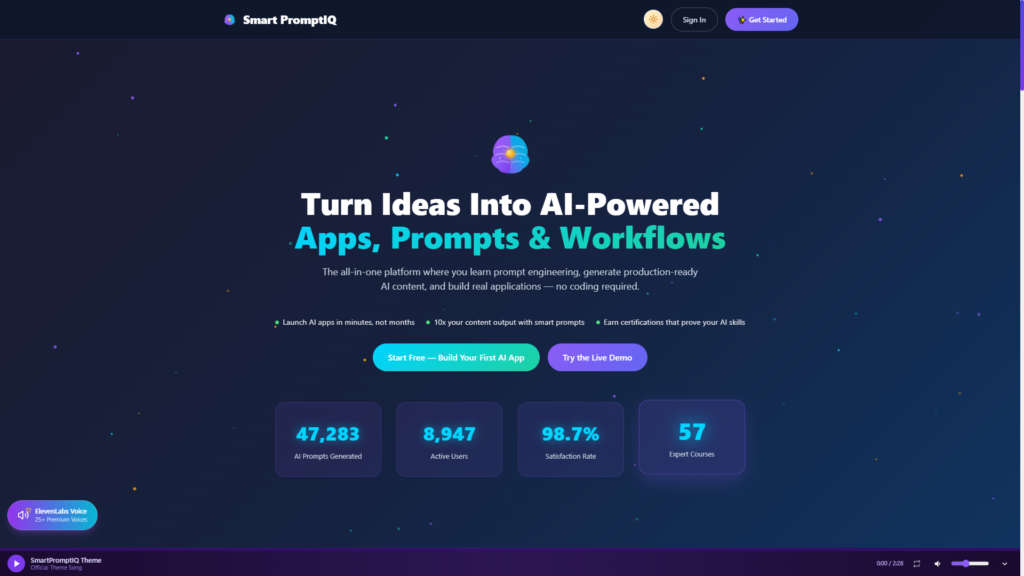
Once you master the basics, you can begin using more advanced techniques to handle multi-step business operations. This is where SmartPromptIQ training becomes invaluable.
6. Utilize Few-Shot Prompting
Provide 2 to 3 examples of the input and your desired output before asking the AI to perform the task. The AI will recognize the pattern and mimic your exact style and formatting.
7. Implement Chain of Thought (CoT)
When asking the AI to solve a complex problem or analyze data, include the phrase: “Think step by step and explain your reasoning.” This forces the model to break down its logic, drastically reducing errors.
8. Use Delimiters to Separate Data
When pasting large blocks of text or data into a prompt, use delimiters like `###` or `”””` to separate the instructions from the data. Example: “Summarize the text enclosed in ###.”
9. Ask the AI to Ask You Questions
If you are not sure what context the AI needs, prompt it to interview you. “I want you to write a sales page for my new software. Before you write anything, ask me the 5 most important questions you need answered to write the best possible copy.”
10. Iterate and Refine (Prompt Chaining)
Do not expect perfection on the first try. Use prompt chaining: Ask for an outline first. Once you approve the outline, ask it to draft section one. Then section two. This gives you granular control over the final product.

Prompting for Business Growth
Entrepreneurs and marketers use AI differently than casual users. The goal here is not to chat; the goal is to execute workflows that generate revenue.
11. The Target Audience Simulator
“Act as my target customer [describe customer]. I am going to pitch you my new product. Tell me your top 3 objections and why you would hesitate to buy.”
12. The Competitor Analysis Prompt
“Review the following features of my competitor’s product [paste features]. Now, based on my product’s features [paste features], write a 300-word positioning strategy highlighting where we have a distinct competitive advantage.”
13. The SEO Content Brief
Never ask AI to “write a blog post.” Ask it to “Create a comprehensive SEO content brief for the keyword [X], including suggested H2s, LSI keywords, and target word count.”
14. The Tone Matcher
“Analyze the tone, vocabulary, and sentence structure of the following text [paste your best writing]. Then, write a new email about [topic] using that exact same tone and style.”
15. The Financial Data Parser
For specialized tasks, use specialized platforms. For example, if you are using SmartProTradeIQ, you can prompt the AI to “Analyze this stock’s 30-day moving average and highlight any divergence from historical volume trends.”
Moving from Prompts to Agents
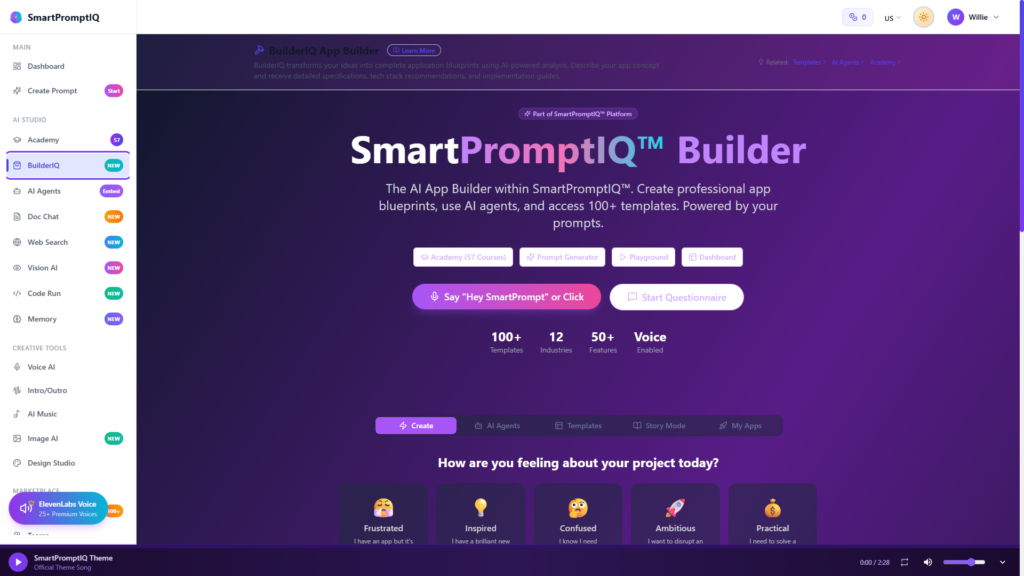
The ultimate evolution of prompt engineering is building autonomous systems. This is where you stop typing prompts manually and start deploying AI agents for business.
16. Define the Agent’s Core Objective
When setting up an autonomous agent, its system prompt must have a singular, unbreakable objective. “Your sole objective is to qualify inbound leads and schedule them on my calendar.”
17. Establish the Agent’s Tool Stack
Tell the agent exactly what tools it has access to. “You have access to my email inbox, my calendar API, and my CRM. Do not attempt to use tools outside of this list.”
18. Set Escalation Protocols
Autonomous agents need guardrails. “If a customer asks for a refund over $500, or uses aggressive language, immediately halt the conversation and escalate the ticket to a human manager.”
19. Use the “Self-Correction” Prompt
When building a workflow, add a final review step. “Review the output you just generated. Does it meet all the constraints provided in the original prompt? If not, rewrite it until it does.”
20. Download Proven Workflows
You do not have to build every agent from scratch. Use community marketplaces to download pre-engineered prompts and agent configurations that have already been tested in the real world.
How to Fix Bad AI Outputs
Even with great prompts, LLMs sometimes hallucinate or go off track. Here is how to course-correct.
21. The “Try Again” Modifier
If the output is too generic, reply: “This is too generic. Rewrite it, but this time use more vivid imagery, shorter sentences, and focus heavily on the emotional pain points of the customer.”
22. The “What Did You Miss?” Prompt
If the AI gives you an incomplete analysis, ask: “What critical perspectives or data points did you exclude from this analysis? Give me the counter-argument.”
23. Adjust the Temperature
If you are using an API or an advanced prompt engineering tool, adjust the “temperature” setting. Lower temperature (0.1 – 0.3) makes the AI highly logical and predictable (good for coding/data). Higher temperature (0.7 – 0.9) makes it more creative (good for brainstorming/copywriting).
24. Check Your Constraints
If the AI failed, look at your prompt. Did you give it contradictory instructions? Did you ask it to be “highly detailed” but also “under 100 words”? Clear up your own logic first.
25. Build a Prompt Library
When you finally engineer the perfect prompt that gives you exactly what you want, save it. Build a centralized prompt library for your company so you never have to reinvent the wheel.
Your Next Steps in Prompt Engineering
These 25 tips will instantly elevate you above 90% of AI users. But to truly scale your business, you need to transition from writing individual prompts to orchestrating entire AI workflows.
For a deeper dive into how these concepts fit into a complete enterprise strategy, make sure to read our Complete Guide to AI Prompt Engineering in 2026. The future belongs to those who know how to command the machine.
Ready to Deploy Your Digital Workforce?
Stop doing the manual work yourself. Use advanced prompt engineering to automate your business today.
Try SmartPromptIQ AI Staff freeDownload 50 AI Staff workflows