Accessible AI Tools for Creators That Ship
A creator with a sharp idea can still lose a week fighting bad interfaces, vague outputs, and tools that assume everyone works the same way. That is the real test for accessible ai tools for creators – not whether they look impressive in a demo, but whether they remove friction and help people make something real.
For serious creators, accessibility is not a side feature. It is a performance feature. If a tool supports voice input, clear workflows, readable outputs, flexible controls, and fast iteration, more people can use it well. That includes visually impaired users, busy operators working on the move, founders testing product ideas at odd hours, and creators who simply need a cleaner path from concept to execution.
What accessible AI tools for creators actually need to do
A lot of software gets labeled accessible when it only checks one box. Maybe it offers dictation. Maybe it has a cleaner font. Maybe it works on mobile. Those improvements matter, but creators need more than surface-level usability.
Accessible AI tools should reduce cognitive load. They should help users understand what to do next, recover from mistakes quickly, and move from rough inputs to usable outputs without a maze of settings. For creators building content, products, workflows, or client deliverables, accessibility means the tool respects momentum.
That usually shows up in five places. Input should be flexible, so users can type, speak, paste notes, or structure prompts in different ways. Output should be organized, not dumped into one giant block of text. Navigation should be simple enough that you do not need a tutorial just to find your last project. Feedback should be clear, so when something fails, you know why. And the tool should support different working styles, because not every creator brainstorms, edits, and publishes in the same rhythm.
Accessibility is not just about compliance
Creators often hear accessibility discussed in legal or ethical terms. Those matter. But in product use, accessibility also changes who can execute consistently.
If you are a solo founder, better accessibility means you can capture ideas by voice while commuting, then turn them into structured drafts later. If you are a marketer managing multiple campaigns, it means less time wrestling with interfaces and more time refining messaging. If you are building with AI despite visual, motor, or attention-related constraints, good accessibility can be the difference between experimenting occasionally and shipping every week.
This is where many AI products still fall short. They may be powerful, but power without usability creates drag. A tool that can theoretically do everything often does very little for a creator who needs a fast, repeatable workflow.
The difference between accessible and merely easy
Easy tools are appealing because they reduce the barrier to entry. Accessible tools go further. They let more people sustain high-quality output over time.
That distinction matters. A simple prompt box might feel easy on day one, but if it gives inconsistent results, hides version history, or makes collaboration messy, it stops being accessible for real work. Accessibility has to include reliability, context retention, and the ability to refine results without starting over from scratch.
For creators, the best systems are usually not the ones with the fewest features. They are the ones that make powerful features usable without friction. That is a different standard.
How creators should evaluate accessible AI tools
Start with the workflow, not the model. Most creators get distracted by benchmark talk when the real question is simpler: can this tool fit into how you actually produce work?
If you write, design campaigns, script videos, build offers, prototype apps, or create client systems, evaluate the tool against moments that usually slow you down. Can it capture messy ideas fast? Can it turn those ideas into structured outputs like outlines, specs, workflows, or content drafts? Can you revise without losing context? Can you reuse good work as a repeatable asset?
Then look at accessibility more directly. Does it support voice-first use in a way that is practical, not gimmicky? Are controls readable and understandable? Can you navigate quickly without hunting for buried settings? Does it help reduce prompt guesswork for beginners while still giving advanced users room to shape the output?
A final test is whether the tool helps you move beyond generation. Many AI products are decent at first drafts. Far fewer help creators transform drafts into production-ready assets. That gap matters more than most feature lists admit.
Where accessible AI tools create the most value
The strongest use cases are usually the least flashy. A creator dictating an idea and turning it into a publishable outline. A coach converting rough voice notes into a structured offer. A product builder taking a concept and generating a usable blueprint with logic, flows, and implementation steps. A team operator creating repeatable prompt systems instead of rewriting the same instructions every week.
These are not novelty wins. They are compounding wins.
That is why accessibility should be tied to execution. The more a tool helps users go from idea to artifact, the more valuable it becomes. For many creators, the real barrier is not inspiration. It is translation – taking what is in your head and turning it into something another person, system, or customer can use.
Why learning matters as much as the tool itself
One reason creators get stuck is that they expect the software to solve a skills problem. Better interfaces help, but accessible ai tools for creators become much more useful when paired with clear education.
If a user does not know how to structure prompts, define goals, or think in systems, even a well-designed AI product can feel inconsistent. On the other hand, when creators understand how to guide AI with intent, they stop treating outputs like random suggestions and start using them as building blocks.
This is where platforms that combine training with execution have an edge. Instead of handing users a blank box and hoping for the best, they teach how to think, then provide tools that convert that thinking into something deployable. For ambitious creators, that is a much stronger model than either education alone or tooling alone.
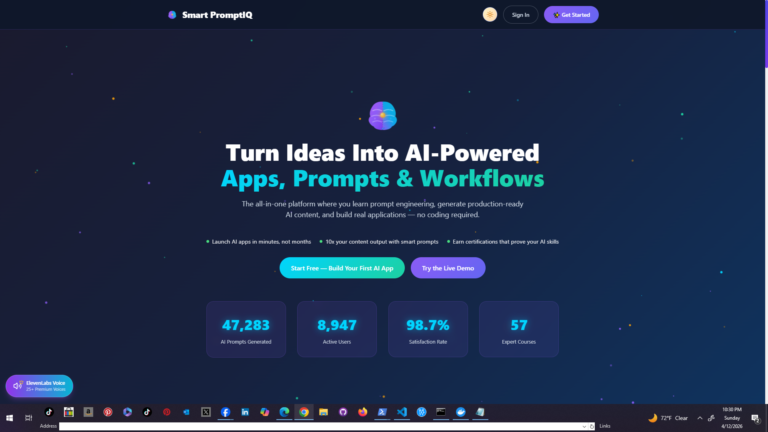
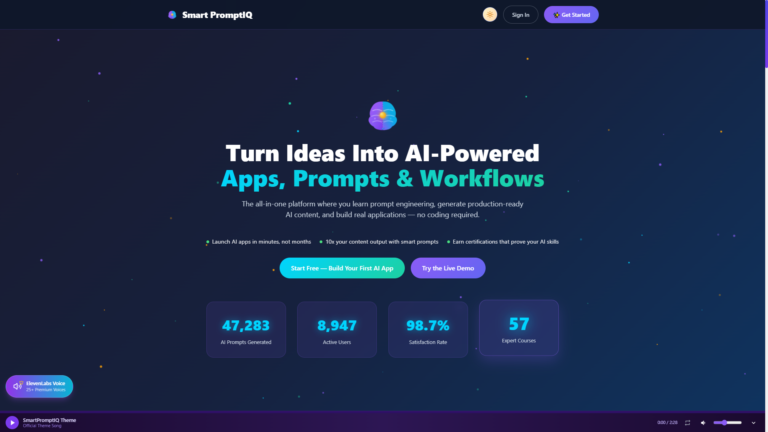
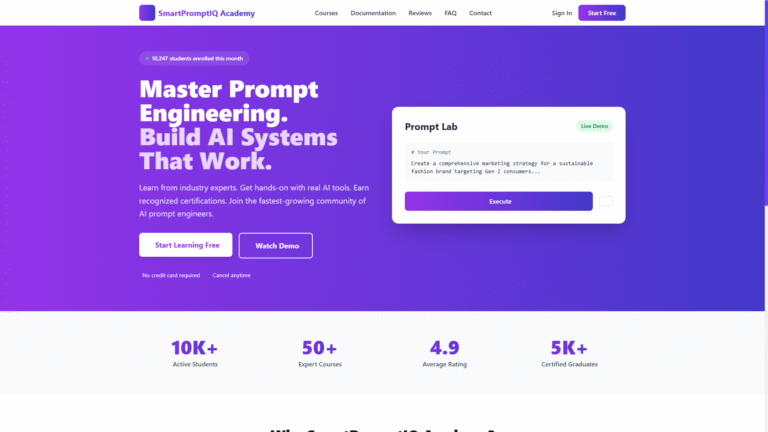
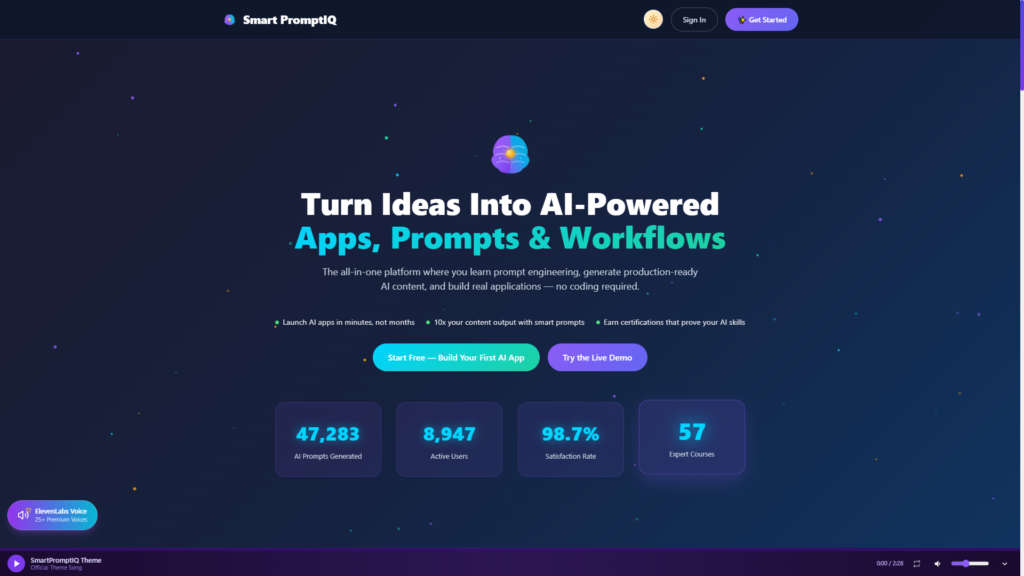
SmartPromptIQ fits this direction well because it does not stop at prompts. It connects learning, system design, and practical builder tools so users can move from skill development to shipped work without stitching together five disconnected products.
Trade-offs creators should expect
No tool gets everything right for everyone. Some accessible products simplify the interface so much that advanced control becomes limited. Others provide deep functionality but ask for more setup time. It depends on what you are trying to build and how often you need to repeat the process.
If your work is mostly quick content generation, a lighter tool may be enough. If you are building AI-powered products, reusable workflows, or client-facing systems, you will probably need more structure. In that case, accessibility has to include guided complexity – enough support to keep momentum, enough depth to produce serious outcomes.
There is also a trade-off between flexibility and consistency. Open-ended tools can adapt to many creative tasks, but they often require stronger prompt skills. More structured platforms may feel narrower at first, yet they save time because they reduce ambiguity. Creators should choose based on the kind of friction they want to eliminate.
The future of accessible AI tools for creators
The next wave will not be defined by who has the loudest model claims. It will be defined by who helps more people create usable output faster.
That means voice will matter more. Guided workflows will matter more. Better prompt scaffolding will matter more. So will systems that remember context, organize projects cleanly, and turn ideas into assets with less manual cleanup. Accessibility will keep expanding beyond disability support into a broader standard for how productive software should behave.
For creators, this is good news. It means the market is shifting away from AI as spectacle and toward AI as infrastructure. The winners will be tools that help users think clearly, build repeatedly, and ship with less friction.
If you are choosing where to invest your time, look for software that respects momentum. The best accessible AI tools do not just help you start. They help you keep going until the work is real.