The Hidden AI Features Seniors Already Have — But No One Showed Them How to Use
Hidden AI Features

When the media talks about artificial intelligence, the conversation usually revolves around futuristic robots, complex programming, or intimidating enterprise software. This narrative creates a massive misconception, especially for adults over 50. It makes AI feel like an exclusive club that requires a computer science degree to enter. The reality is entirely different, and far more empowering.
You do not need to buy expensive new software or learn complicated coding languages to benefit from artificial intelligence. The truth is, you already own it. It is sitting in your pocket, resting on your desk, and built into the apps you use every single day. The technology industry has quietly integrated powerful AI features into our most common devices, but they often fail to explain how to find or use them.
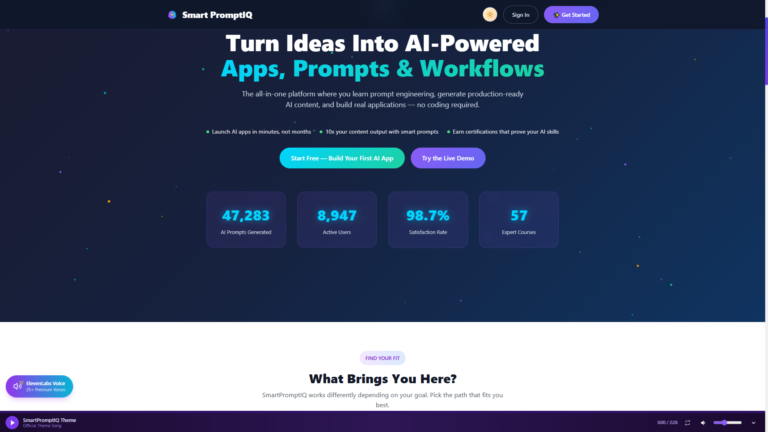
This guide is going to change that. We are going to uncover the hidden AI tools you already have access to—features that can save you time, protect your finances, and make daily digital life significantly easier. With a little guidance from platforms like SmartPromptIQ, you can transform your existing devices into powerful digital assistants.
1. The AI Hidden in Your Smartphone
Your smartphone is likely the most powerful piece of technology you own, and it is packed with AI features designed to make communication and organization effortless. You just have to know where to look.
Voice-to-Text and Dictation
Typing on a small glass keyboard can be frustrating, especially if you have arthritis or vision challenges. The microphone icon on your phone’s keyboard is not just a recording device; it is a sophisticated AI transcription tool. It uses artificial intelligence to understand your speech patterns, accents, and context, translating your spoken words into highly accurate text in real-time.
How to use it: Open a text message or email, tap the small microphone icon on the keyboard, and simply start talking. You can even dictate punctuation by saying “period” or “question mark.”
Live Captions
If you ever struggle to hear the dialogue in a video on social media, or if you are in a noisy room and cannot turn up the volume, your phone’s AI can help. Both Apple and Android devices offer “Live Captions,” an AI feature that automatically generates subtitles for any audio playing on your device, including phone calls and podcasts.
How to use it: On an iPhone, look for Live Captions in the Accessibility settings. On Android, it is usually found under Sound or Accessibility settings. Once enabled, the AI does the heavy lifting instantly.

2. The AI Hidden in Your Email
Managing an overflowing inbox can feel like a full-time job. Fortunately, major email providers like Gmail and Outlook have integrated AI to help you write faster and organize better.
Smart Reply and Smart Compose
Have you ever noticed those short, suggested responses at the bottom of an email, like “Sounds good!” or “I’ll be there”? That is AI analyzing the context of the email you received and predicting the most likely responses. Similarly, as you type a new email, the AI might suggest the end of your sentence in light gray text.
How to use it: If you agree with the suggested response at the bottom of an email, simply tap it to instantly draft a reply. If you are typing and see a gray suggestion you want to use, press the “Tab” key on your computer or swipe right on your phone to accept it. It saves countless keystrokes over time.
Spam and Phishing Filters
You may not realize it, but AI is constantly working in the background of your email account, analyzing millions of data points to identify and block malicious emails before they ever reach your primary inbox. While no filter is perfect, this invisible AI is your first line of defense against cybercrime.
How to use it: You do not have to do anything to activate this; it is always on. However, if a suspicious email does slip through, you can use the SmartPromptIQ Fraud Analyzer to double-check it before clicking any links.
3. The AI Hidden in Your Banking Apps
Financial security is a top priority for older adults, and banks are utilizing some of the most advanced AI in the world to protect your money.
Predictive Fraud Alerts
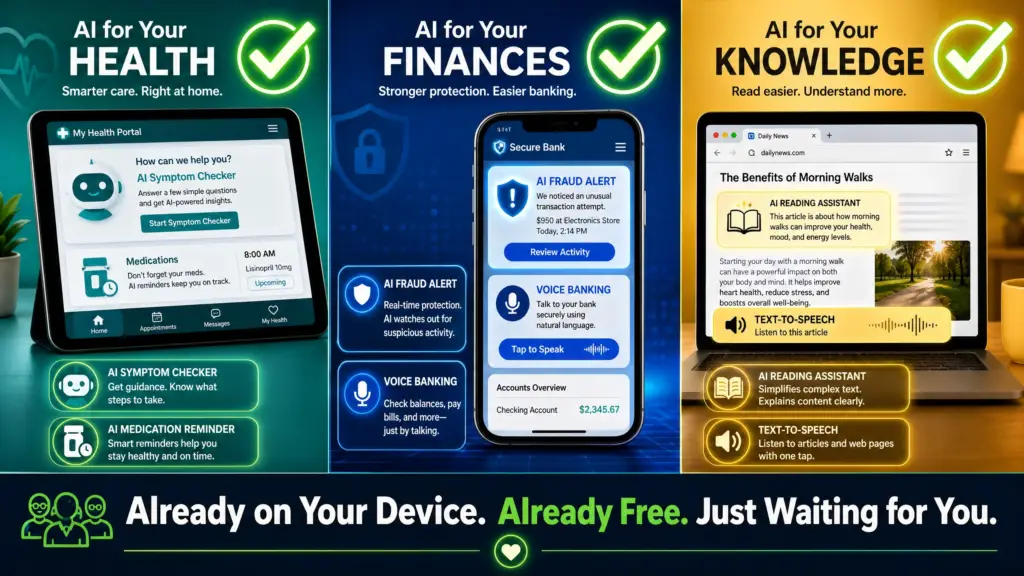
When your bank sends you a text message asking if you authorized a sudden $500 charge at a store in another state, that alert was triggered by AI. The bank’s artificial intelligence monitors your typical spending habits—where you shop, how much you usually spend, and what time of day you make purchases. If a transaction deviates significantly from that pattern, the AI instantly flags it and freezes the transaction until you verify it.
How to use it: Ensure your contact information is up-to-date in your banking app so you can receive these automated alerts immediately. Always verify the alert by logging into your app directly, rather than clicking a link in a text message.
Automated Customer Service
While talking to a “chatbot” can sometimes be frustrating, modern banking AI assistants are incredibly efficient at handling routine tasks. Instead of waiting on hold for 20 minutes to check your balance or transfer funds between accounts, you can simply type or speak your request to the app’s digital assistant.
4. The AI Hidden in Your Healthcare Portals
Telehealth and digital patient portals have become standard practice. The AI integrated into these systems is designed to help you manage your health more proactively.
Symptom Checkers and Triage
Many hospital networks and insurance providers now feature AI-driven symptom checkers in their apps. If you wake up with a strange rash or a persistent cough, you can input your symptoms. The AI will ask follow-up questions and provide guidance on whether you should visit an urgent care clinic, schedule a routine appointment, or simply rest at home.
How to use it: Log into your healthcare provider’s app or website and look for the “Symptom Checker” or “Virtual Assistant” feature. It is a great first step before making a phone call.
Medication Reminders and Interactions
Advanced pharmacy apps use AI to not only remind you when to take your pills but also to scan your medication list for potential negative interactions. If a new prescription conflicts with an existing one, the AI can alert you and your pharmacist immediately.
5. The AI Hidden in Your Web Browser
Whether you use Google Chrome, Microsoft Edge, or Safari, your web browser is equipped with tools to make reading and researching easier.
Reading Mode and Text-to-Speech
Websites are often cluttered with distracting ads and tiny text. Most modern browsers feature a “Reader Mode” (often indicated by an icon resembling a book in the address bar). When clicked, the AI strips away the clutter, leaving only the clean text and essential images. Furthermore, many browsers now offer an AI text-to-speech feature that will read the article aloud to you in a natural-sounding voice.
How to use it: Look for the “Reader” icon in your browser’s address bar. For text-to-speech, look for a “Read Aloud” or “Listen” button, often found in the browser’s main menu or accessibility settings. You can also enhance your browsing experience by installing helpful tools like a dedicated **Chrome extension** designed for productivity.
Empowering Your Digital Life
The narrative that seniors are incapable of using modern technology is simply false. You are likely already using artificial intelligence every day without even realizing it. The key to digital empowerment is moving from passive use to active mastery.
By understanding where these tools live and how they function, you take control of your digital environment. You do not need to be a tech expert to use voice dictation, rely on fraud alerts, or simplify a cluttered webpage. These tools were built to serve you.
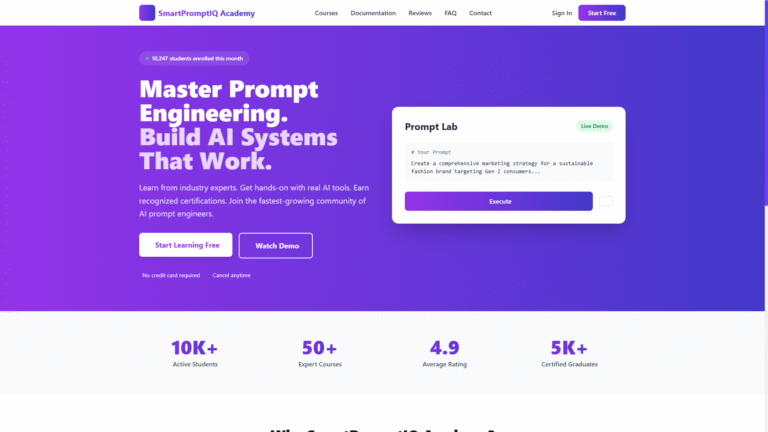
If you are ready to take the next step and learn how to actively command AI to handle larger tasks—like organizing your schedule, drafting documents, or managing a small business—consider exploring the Senior AI Learning Center. For those looking for a more managed approach, an AI Staff can act as your personal digital assistant, utilizing advanced **AI workflows** to streamline your life.
The technology is already in your hands. It is time to start using it with confidence.
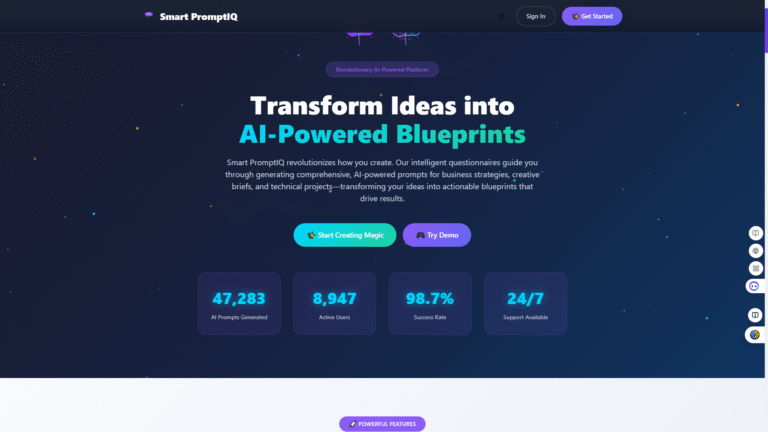
Try SmartPromptIQ AI Staff free and Download 50 AI Staff workflows to start your journey toward confident and safe AI usage today! Explore the possibilities at SmartPromptIQ AI Staff.
References
[1] AARP: FBI Report, Internet Crime Losses Hit $20.9 Billion
[2] University of Michigan National Poll on Healthy Aging: How Older Adults Use and Think About AI
[3] FTC: Protecting Older Consumers 2024–2025