
12 Best No Code AI Tools for Builders
Shipping an AI product used to mean hiring engineers, stitching together APIs, and spending weeks on architecture before you could test a real idea. That gap is exactly why the best no code ai tools matter right now. They compress the distance between concept and working system, which is a huge advantage if you are a founder validating an offer, an operator automating internal work, or a creator turning expertise into a product.
But here is the catch: most no-code AI roundups lump everything together. A chatbot builder gets compared to an automation platform. A prompt workspace sits next to a full app generator. That is not useful if your real question is, “Which tool helps me build the thing I actually want to ship?”
This guide takes a more practical angle. Instead of chasing hype, it looks at where each tool fits, what it does well, and where the trade-offs show up once you move past the demo stage.
What makes the best no code AI tools worth using?
The best tools do more than generate a flashy prototype. They help you move from idea to repeatable output.
That usually means four things. First, they reduce technical friction so non-developers can build something functional. Second, they support real workflows, not just one-off experiments. Third, they make iteration fast, because your first AI setup is rarely your final one. And fourth, they give you enough control to shape behavior, outputs, and user experience without forcing you into code too early.
If a platform only helps you create a quick proof of concept but breaks down when you need logic, data connections, or handoff to production, it may still be useful. It just belongs in a narrower category.
12 best no code AI tools, by use case
1. ChatGPT
For many builders, ChatGPT is still the fastest place to think, test, and structure AI-driven work. It is not a full no-code product builder on its own, but it works well for prompt development, early agent logic, content systems, and internal workflows.
Its strength is speed. You can test positioning, generate process drafts, prototype assistants, and pressure-test use cases in minutes. The limitation is obvious too: turning a strong conversation flow into a deployed tool still takes other layers.
2. Claude
Claude stands out when your workflow depends on long context, careful writing, or nuanced reasoning. That makes it a strong fit for document-heavy tasks, knowledge assistants, research support, and structured content operations.
It often feels more reliable than faster, lighter tools when the job requires judgment. The trade-off is that it is less of a visual no-code builder and more of a powerful model workspace. Great for thinking and refining, less complete for shipping on its own.
3. Zapier
Zapier earns its place because most AI products are not just about generation. They are about movement – taking inputs, triggering actions, updating systems, and closing loops.
If you want AI to summarize leads, classify support tickets, draft responses, or route data across your stack, Zapier is one of the most practical choices available. It is especially strong for operators and small teams who need outcomes fast. The downside is cost and complexity at scale. Once workflows multiply, maintenance can become part of the job.
4. Make
Make gives you more visual flexibility than many automation tools, which is why builders who outgrow basic linear workflows often prefer it. It is useful for AI pipelines that involve branching logic, multiple apps, filters, and data transformations.
This is one of the best no code ai tools if you are building process-heavy automations and want more control without writing scripts. The learning curve is steeper than simpler tools, but the payoff is more sophisticated orchestration.
5. Bubble
Bubble remains a serious option for founders who want to build full web apps without hiring a development team on day one. When paired with AI models and automations, it can support SaaS prototypes, marketplaces, internal tools, and client-facing platforms.
Its biggest advantage is ownership over the product experience. You are not just creating prompts or automations. You are shaping an application. The trade-off is time. Bubble is no-code, but it is not no-learning. If you want polished product logic, you still need to think like a builder.
6. Softr
Softr is a smart choice for teams that want to launch AI-powered portals, directories, or internal apps quickly. It is less flexible than Bubble, but much faster for straightforward use cases.
That speed matters when your goal is to validate demand, not design a deeply custom platform. If you need clean interfaces and simple deployment tied to structured data, Softr can get you moving fast. If you need advanced behavior, you may hit limits earlier than expected.
7. Glide
Glide is particularly strong for operational apps. Think sales tools, field checklists, client dashboards, lightweight CRMs, or internal assistants powered by AI.
Its appeal is practical execution. You can turn data into a usable app without getting buried in design or engineering decisions. For businesses that need utility over flash, Glide is often a better fit than broader app builders. The limitation is customization depth, especially for highly unique product experiences.
8. Airtable
Airtable is not an AI tool first, but it has become a strong foundation for no-code AI systems because it combines structured data, workflow logic, and collaborative operations in one place.
If your AI process depends on organized inputs, review cycles, prompt variables, or human approval, Airtable can become the control layer. It works especially well for content teams, service businesses, and operators building repeatable systems. It is less ideal if you want a polished end-user product experience out of the box.
9. Notion AI
Notion AI is best viewed as a productivity layer, not a full AI product builder. It helps individuals and teams summarize notes, rewrite drafts, extract action items, and organize knowledge faster.
That makes it valuable, especially if your bottleneck is messy information. But if your goal is to launch a customer-facing AI tool, Notion AI is usually too limited on its own. It shines inside existing workflows rather than as the engine of a standalone product.
10. Voiceflow
Voiceflow is built for conversational experiences, which makes it compelling for AI assistants, support flows, and voice or chat-based interactions. If the product you want to build revolves around conversation design, this platform deserves a serious look.
Its visual interface helps teams map interactions clearly, which is useful when you are designing beyond a single prompt. The challenge is that conversation quality still depends on strong logic, testing, and prompt structure. The tool gives you the canvas, but not all the strategy.
11. Replit Agent
Replit has moved closer to a no-code or low-code experience through AI-assisted development, and that opens an interesting middle ground. It is useful for builders who want more power than traditional no-code platforms but do not want to start from a blank coding environment.
This is a strong option if you are comfortable directing AI to generate and refine code while staying focused on the product outcome. It is not the easiest path for total beginners, but it can extend what an ambitious non-developer is able to ship.
12. SmartPromptIQ
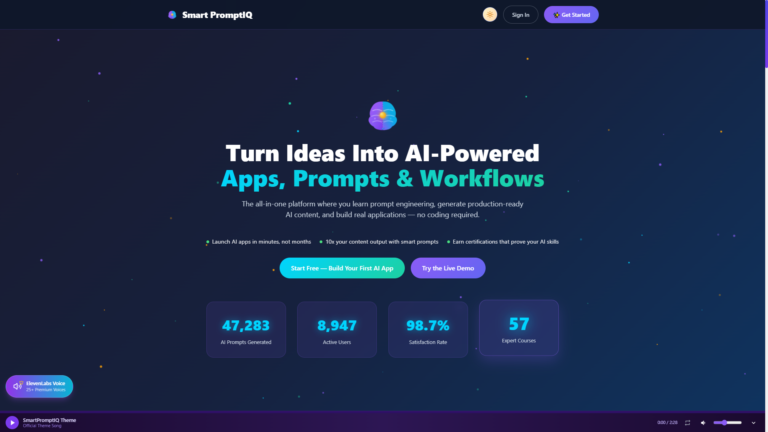
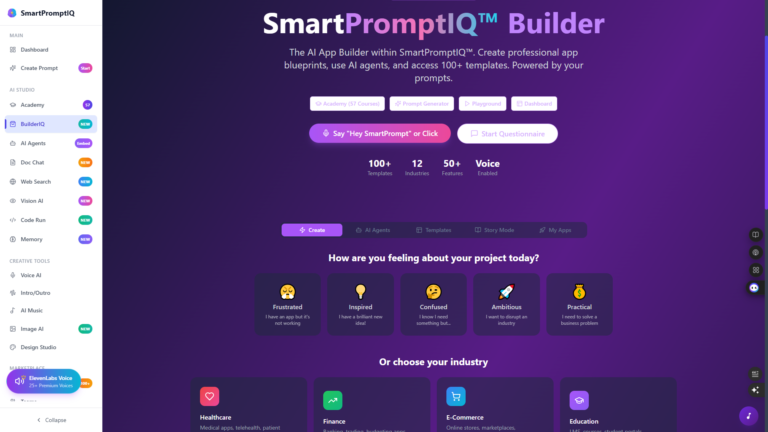
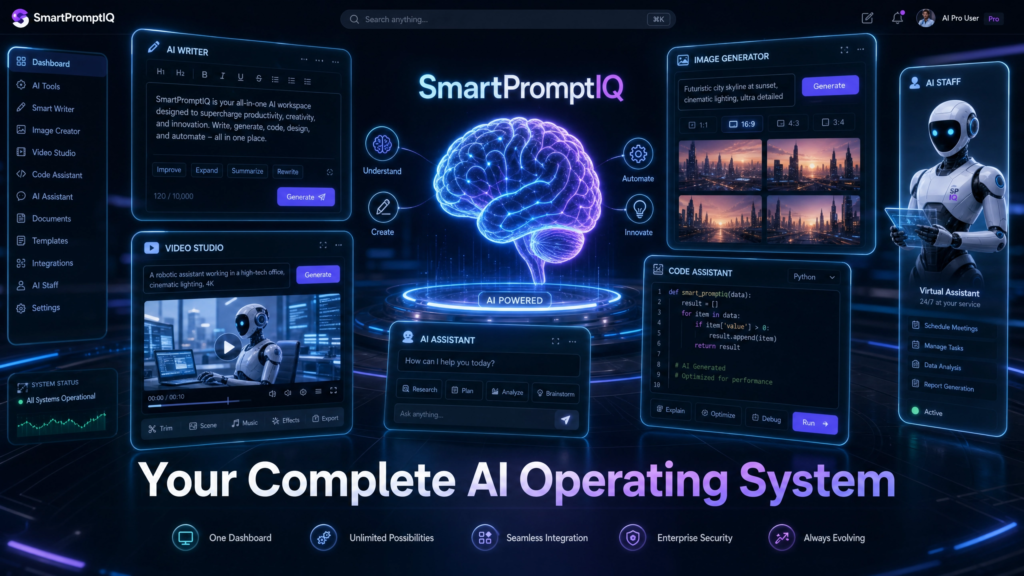
If your challenge is not just using AI tools but actually learning how to design systems that can be deployed, SmartPromptIQ fits a different category. It combines education with builder workflows, which matters because many people do not fail on AI ideas. They fail in the handoff from concept to architecture, prompts, automation, and launch.
That builder-first approach makes sense for users who want more than isolated outputs. They want blueprints, agents, workflows, and production direction in one path. For founders and operators who are tired of piecing together fragmented tools, that integrated model can save a lot of wasted motion.
How to choose the best no code AI tools for your goal
Start with the job, not the platform.
If you want to automate internal operations, Zapier, Make, Airtable, and Glide are often stronger than flashy chatbot builders. If you want to launch a web product, Bubble or Softr may be the better starting point. If your real need is better prompting, structured thinking, and system design, model-first platforms and guided builder ecosystems will create more value than app shells.
You should also ask how close you are to production. Early validation favors speed and flexibility. Later-stage execution favors control, maintainability, and cleaner architecture. A tool that feels perfect in week one may feel constraining in month three.
Budget matters too, but not in the way most people think. The cheapest tool is not always the best choice if it creates manual work, brittle workflows, or rework later. Time is usually the more expensive resource.
The real trade-off behind no-code AI
No-code AI tools make building more accessible, but they do not remove the need for thinking. You still need to define the user problem, structure the workflow, test prompts, manage edge cases, and decide what success looks like.
That is why the strongest builders treat no-code as leverage, not magic. These platforms help you move faster, validate earlier, and ship without waiting for a full engineering team. But the quality of the system still comes from the quality of the decisions behind it.
So if you are evaluating the best no code ai tools, do not ask which one is most popular. Ask which one helps you build the shortest path from idea to working outcome, with enough flexibility to keep improving after launch. That is the tool worth learning, and the one most likely to turn momentum into a real product.