How to Build AI Agents Without Coding in 2026
By SmartPromptIQ Team | June 2026
Just a few years ago, if you wanted to build an autonomous AI agent to automate your business, you needed a team of Python developers, API keys from OpenAI, and a massive cloud computing budget. The barrier to entry was incredibly high.
In 2026, that barrier has completely vanished. The democratization of AI has brought us to the era of no-code agent building. Today, business owners, marketers, and operations managers are building custom AI agents for business using visual, drag-and-drop interfaces and plain English instructions.
As highlighted in our Complete Guide to AI Prompt Engineering in 2026, the ability to build and orchestrate agents is the ultimate business leverage. In this article, we will show you exactly how to build your own digital workforce without writing a single line of code.
What Exactly is a No-Code AI Agent?
Before we build one, we must define what we are building. An AI agent is not just a chatbot. A chatbot waits for you to type a prompt, gives you an answer, and stops. It is reactive.
An AI agent is proactive. It is given a goal, a set of instructions (the system prompt), and access to tools (like your email, CRM, or web search). It operates autonomously to achieve that goal.
A “no-code” agent means that instead of writing the logic in a programming language, you build the agent using a visual interface. You write the instructions in plain English, and the platform handles all the complex API connections in the background. Platforms like SmartPromptIQ are designed specifically to make this process accessible to non-technical founders.
The 4-Step Process to Building an Agent
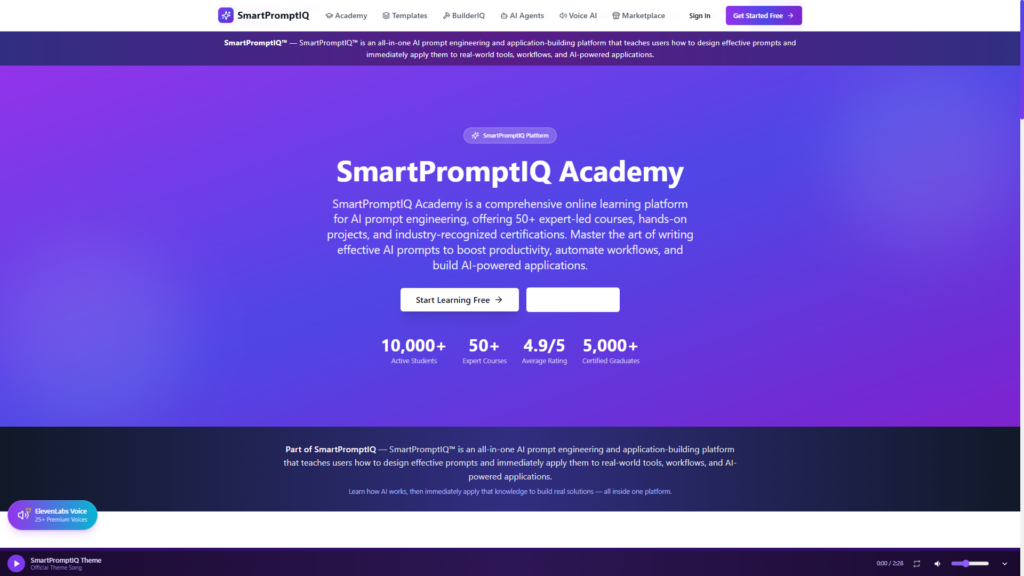
Building a no-code agent requires strategic thinking, not programming skills. Here is the exact framework you should follow.
Step 1: Define the Core Objective
The biggest mistake beginners make is trying to build a “super agent” that does everything. An agent that tries to do customer support, lead generation, and bookkeeping will fail at all three.
You must give the agent a singular, narrow objective. For example: “Your only objective is to monitor the customer support inbox, identify refund requests, check if the request is within the 30-day policy, and process the refund in Stripe.”
Step 2: Write the System Prompt
The system prompt is the brain of the agent. This is where your prompt engineering skills are tested. You must define the agent’s persona, its constraints, and its exact step-by-step logic.
“You are an elite customer success agent. When a new email arrives, follow this logic: 1. Read the email. 2. Determine if it is a refund request. 3. If yes, check the customer’s purchase date in the CRM. 4. If the purchase was under 30 days ago, issue the refund and send the ‘Approved’ email template. 5. If over 30 days, send the ‘Denied’ email template. Do not deviate from this logic.”
Step 3: Connect the Tools
An agent cannot act without tools. In a no-code builder, connecting tools is usually as simple as authenticating your accounts. You click “Add Tool,” select Gmail, and log in. Then you select Stripe and log in. The platform securely passes the necessary permissions to the agent.
Step 4: Establish the Guardrails
Never let a new agent run completely autonomously on day one. You must set up “Human-in-the-Loop” guardrails. In your no-code platform, you can configure the agent to pause and request human approval before executing high-stakes actions (like sending money or publishing a public tweet). Once the agent proves it can execute flawlessly for a few weeks, you can remove the training wheels.
The 3 Most Popular No-Code Agent Use Cases
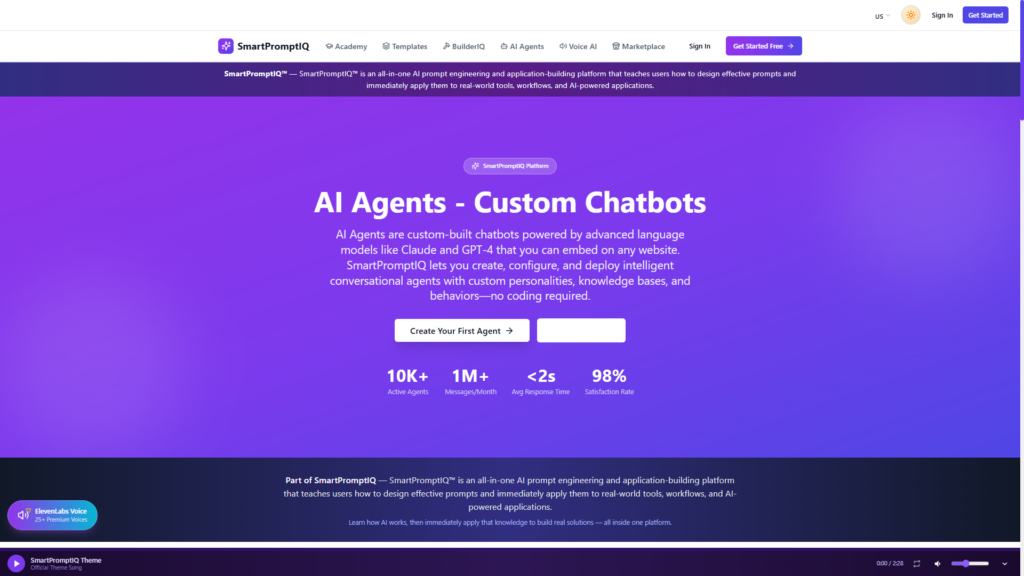
If you are wondering where to start building, here are the three most common workflows businesses automate first using no-code platforms.
1. The Inbound Lead Qualifier
Instead of manually responding to every contact form submission, an AI agent reads the submission, checks the prospect’s company size on LinkedIn, scores the lead, and either sends a calendar link for a sales call (if qualified) or a polite rejection email (if unqualified).
2. The Competitor Monitoring Agent
An agent is scheduled to run every Friday at 5 PM. It scrapes the websites of your top three competitors, summarizes any pricing changes or new feature announcements, and sends a formatted Slack message to your executive team.
3. The Invoice Reconciliation Agent
When a vendor emails an invoice, the agent extracts the PDF, reads the total amount, cross-references it against the approved purchase order in your accounting software, and flags it for human payment approval if the numbers match perfectly.
The Shortcut: Using Pre-Built Workflows
While building an agent from scratch is incredibly empowering, it is not always necessary. If you are trying to automate a standard business process, someone else has probably already built the perfect agent for it.
This is the power of the SmartPromptAgents marketplace. Instead of spending hours defining logic and writing system prompts, you can simply browse the marketplace for the exact agent you need.
Need an agent that automatically writes and publishes SEO blog posts? Download it. Need an agent that scrapes LinkedIn for leads and sends personalized DMs? Download it. You simply install the pre-built workflow into your workspace, customize the brand voice parameters, and click “Run.”
From Single Agent to AI Staff
Building one agent is a great way to save a few hours a week. Building an entire team of interconnected agents is how you scale a company.
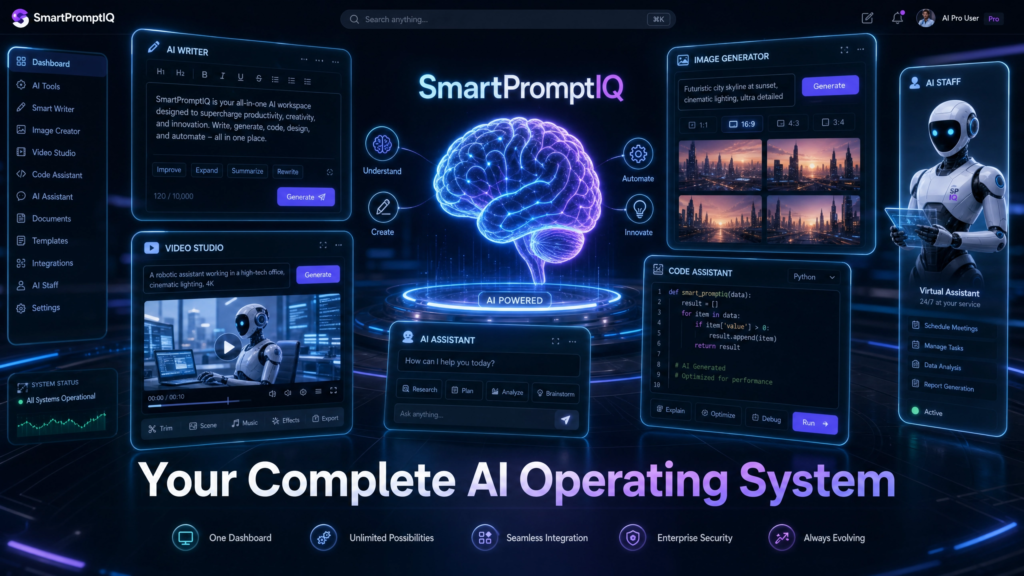
When you transition to using a platform like SmartPromptIQ AI Staff, you are no longer just automating tasks; you are orchestrating a digital workforce. You can have an AI Lead Gen Agent pass qualified prospects to an AI Sales Agent, who then passes closed deals to an AI Onboarding Agent. The entire revenue cycle happens autonomously.
For specialized industries, this level of orchestration is even more critical. In finance, for example, SmartProTradeIQ allows users to deploy specialized trading and analysis agents that monitor markets 24/7, executing complex strategies without human intervention.
Overcoming the Fear of Automation
The biggest hurdle to building no-code agents is not technical; it is psychological. Many business owners are terrified of letting an AI make decisions on their behalf. They worry the agent will send an inappropriate email to a client or approve a massive, incorrect refund.
This fear is mitigated by proper system architecture. In the no-code world, you have complete control over the agent’s autonomy. You can build “Draft-Only” agents. For example, the agent reads the inbound email and drafts the perfect reply, but it only saves it to your drafts folder. It takes zero action. You, the human, review the draft and click send.
Once you see the agent draft 100 perfect emails in a row, your trust in the system grows. Eventually, you flip the switch from “Draft-Only” to “Fully Autonomous.” This gradual transition is how traditional companies safely evolve into AI-first enterprises.
The Era of the Orchestrator
The excuse “I don’t know how to code” is no longer valid. The tools to build enterprise-grade AI automation are available to anyone who knows how to write clear instructions.
Your job is no longer to execute the manual labor of your business. Your job is to orchestrate the agents that do the labor. If you want to dive deeper into the specific prompts used to control these agents, make sure to read our Complete Guide to AI Prompt Engineering in 2026.
Ready to Build Your Digital Workforce?
Stop doing the manual work yourself. Use advanced prompt engineering to automate your business today.
Try SmartPromptIQ AI Staff freeDownload 50 AI Staff workflows